

This radarKit local radar review looks at a practical question: does AI recommend your business when someone searches for a local service? RadarKit’s Local Radar tracks those recommendations, shows your position, and identifies other businesses appearing in the same answers.
Its focus is specific. Instead of only checking whether an AI answer mentions your brand, Local Radar measures how your business appears in local recommendations. RadarKit says it collects results through AI interfaces directly, using residential IPs across more than 50 countries.
This radarKit local radar review explains how the feature works, what its plans include, and where the location controls differ. It also covers the supporting agents that help turn tracking results into content and outreach tasks.
Key takeaways
- Local Radar measures appearance rate, recommendation positions, and competing businesses in local AI answers.
- RadarKit uses direct AI-interface tracking rather than relying on API responses for its visibility collection.
- Every listed plan includes six supported platforms: ChatGPT, Google AI Mode, Google AI Overviews, Microsoft Copilot, Perplexity, and Gemini.
- Monthly subscriptions start at $29 for Lite, $79 for Growth, and $139 for Pro. Enterprise uses custom annual pricing.
- Lite refreshes prompts every 72 hours. Growth and Pro refresh daily.
- State and city-level tracking is listed as an Enterprise feature. The lower plans include 50+ countries or locations, which is not the same as city-level tracking.
- RadarKit advertises a seven-day free trial with no payment upfront.
RadarKit Local Radar Review at a glance
| Item | Details |
| Main purpose | Track local business recommendations in AI search |
| Core measurements | Appearance rate, position, and recommended competitors |
| Competitor information | Business position, rating, review count, and appearances |
| Collection method | Direct AI-interface prompting with residential IPs |
| Standard location coverage | 50+ countries or locations on Lite, Growth, and Pro |
| More precise location controls | State and city-level tracking on Enterprise |
| Starting price | $29 per month |
| Trial | Seven-day free trial |
| Supporting tools | Content, Outreach, Reddit, and Chat agents, plus reporting and integrations |
This radarKit local radar review shows that the platform is designed for teams that want both tracking and action. Local Radar measures visibility, while the wider RadarKit platform supplies agents, reporting, and integrations for acting on the results.
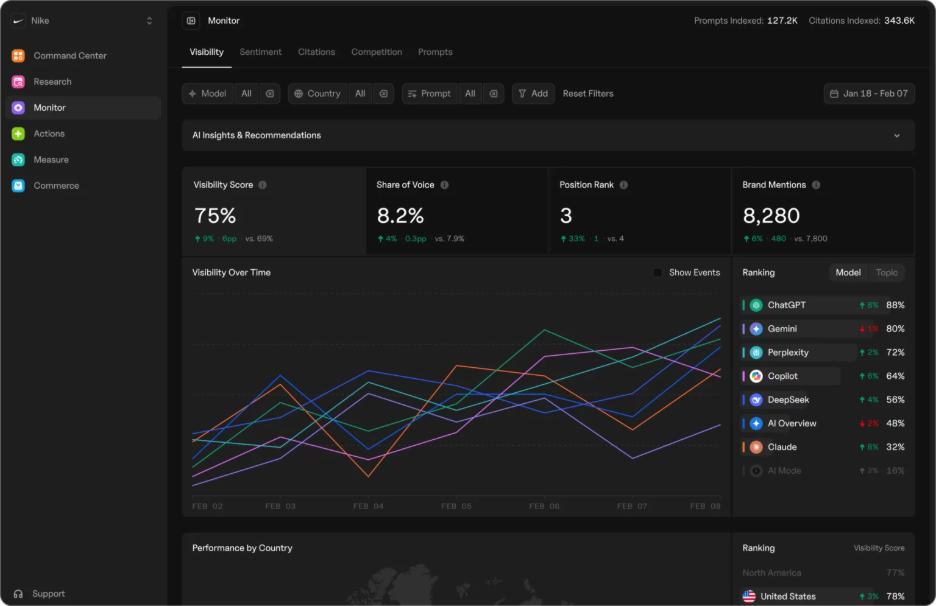
The most useful distinction is between tracking and action. Local Radar shows where your business appears. The wider RadarKit platform supplies agents, integrations, and reports for working with those findings.
What Is RadarKit Local Radar?
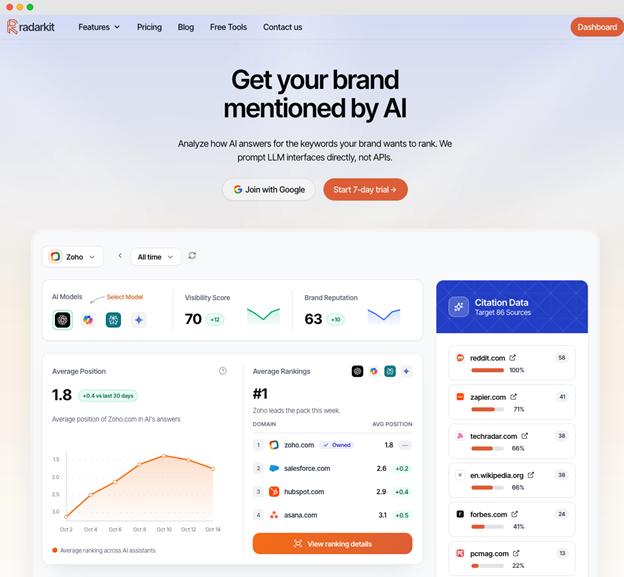
Local Radar is RadarKit’s local business tracking feature. It monitors whether AI answers recommend your business, where it appears in a recommendation list, and which other businesses appear alongside it.
The official feature page illustrates this with a dental search in Manhattan. Its example includes business names, recommendation positions, ratings, and review counts, followed by a summary of the tracked business’s appearances. Those figures are product illustrations, not results from this review.
Those figures are product illustrations, not results from this radarKit local radar review. Still, they make the feature’s purpose clear: understanding visibility within AI-generated local recommendations.
A useful radarKit local radar review should also distinguish this from a conventional map-ranking report. The published feature focuses on positions inside AI answers. Those positions should not be presented as Google Maps rankings or ordinary organic search rankings.
How Local Radar Works (Step by Step)
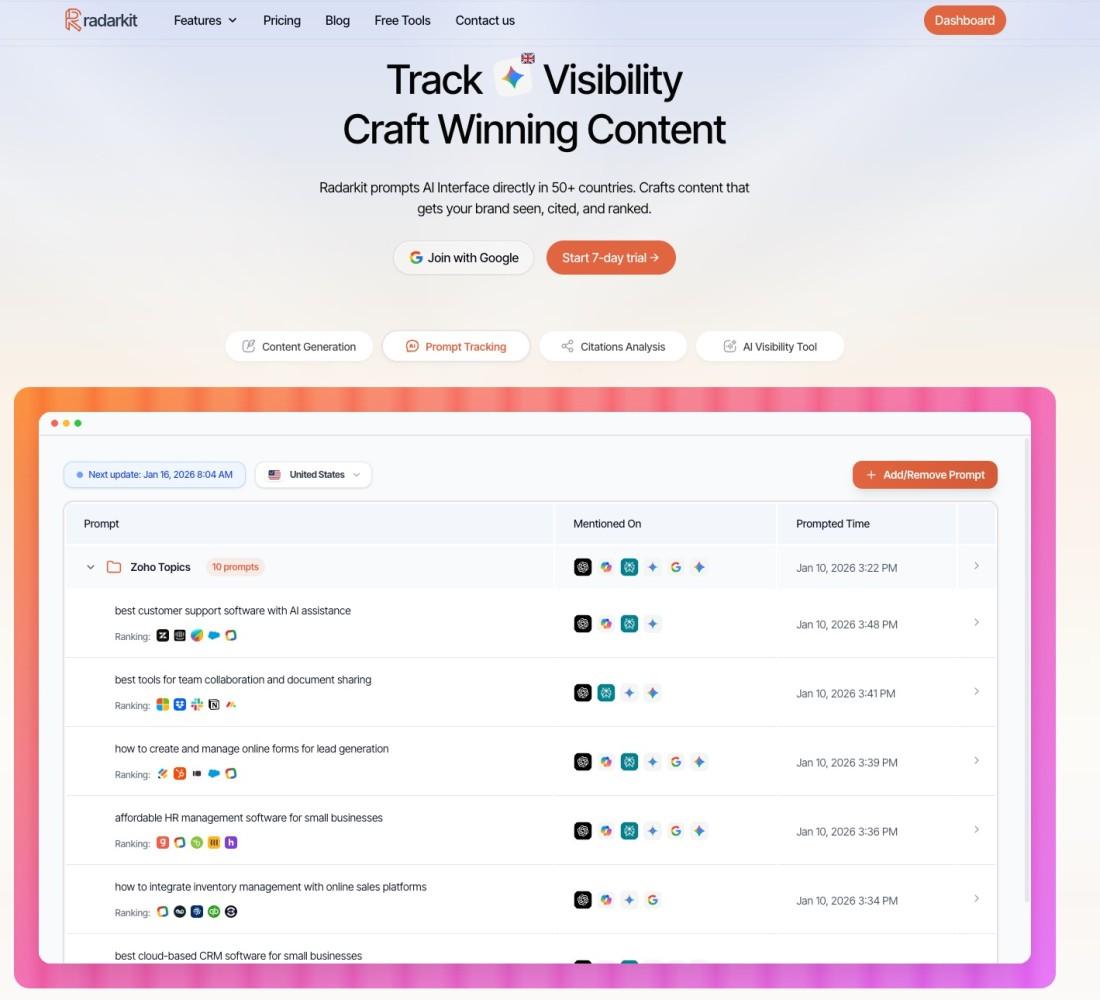
RadarKit describes a process built around tracked prompts, direct interface collection, and analysis of recommended businesses.
- Choose the local questions you want to monitor.
Use questions that reflect your services and customer needs. For example, a dental practice might monitor “best dentist in Manhattan” alongside questions about emergency treatment. - Set the appropriate tracking location.
RadarKit uses residential IPs for location-based collection. Its standard plans list 50+ locations, while Enterprise adds state and city-level controls. - Run prompts through supported AI interfaces.
RadarKit says it prompts the interfaces directly rather than collecting its tracking responses through APIs. - Identify recommended businesses.
Local Radar captures the businesses appearing in local answers and records their recommendation positions. - Review appearances and competing listings.
The feature shows appearance rate, rank, and competitor details such as ratings and review counts. - Compare results across scheduled checks.
Lite checks prompts every 72 hours. Growth and Pro check daily, while Enterprise lists daily or weekly frequency.
The main practical benefit is consistency. A repeated set of prompts gives you a defined group of questions to review, rather than a collection of unrelated manual searches.
This radarKit local radar review finds the workflow especially useful for businesses with multiple services. Instead of treating all visibility as one number, teams can group prompts around each service and compare the results.
Key Features of RadarKit Local Radar
Local Business Appearance Rate & Rank Tracking
Local Radar separates two questions: how often does your business appear, and how high does it appear when recommended? Its published dashboard examples show appearance rate alongside average recommendation position.
The appearance metric focuses on relevant local answers. RadarKit says unrelated answers do not drag down that score, so readers should pay attention to the denominator rather than treating it as a percentage of every possible AI response.
For illustration, a business recommended in three of nine qualifying answers would have a 33.3% appearance rate. That describes frequency, not customer enquiries or sales.
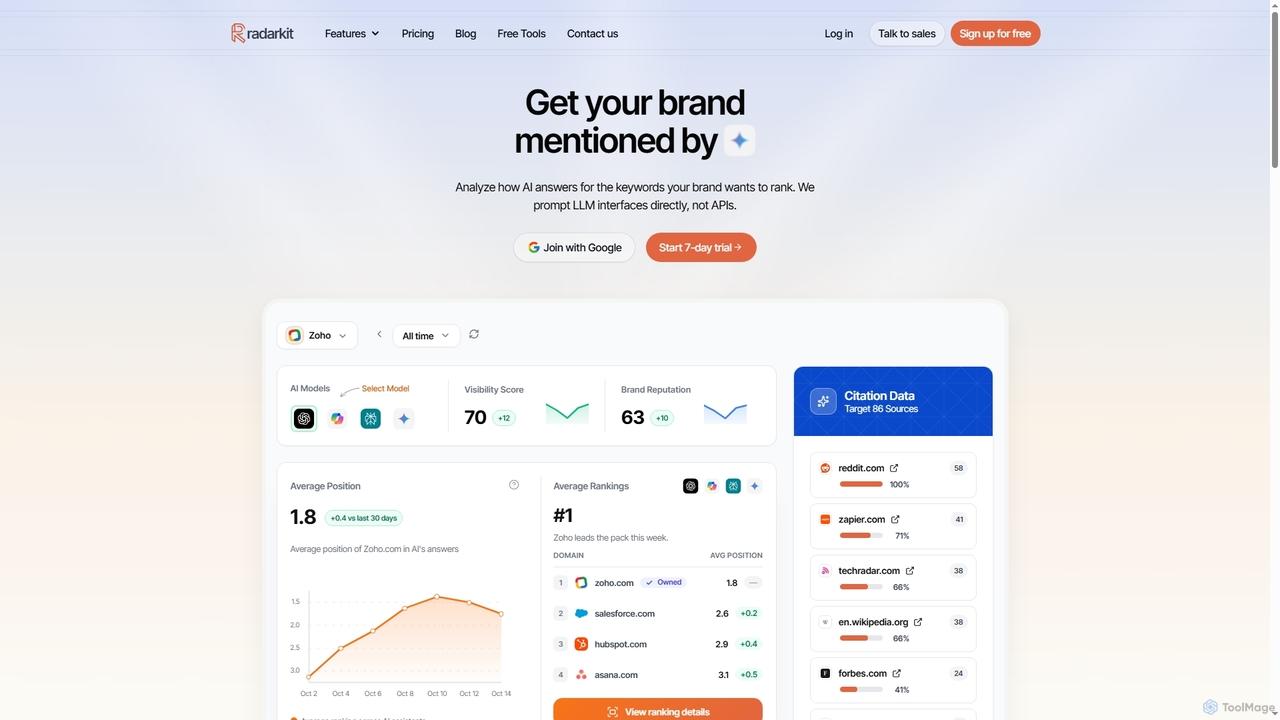
Position adds another layer. Two businesses can appear equally often but hold different places in the recommendation lists. Local Radar’s position tracking helps separate those outcomes.
A radarKit local radar review should also make one point clear: appearance rate and rank are visibility measurements. They do not prove leads, calls, bookings, or sales.
Competitor Recommendations & Ratings Comparison
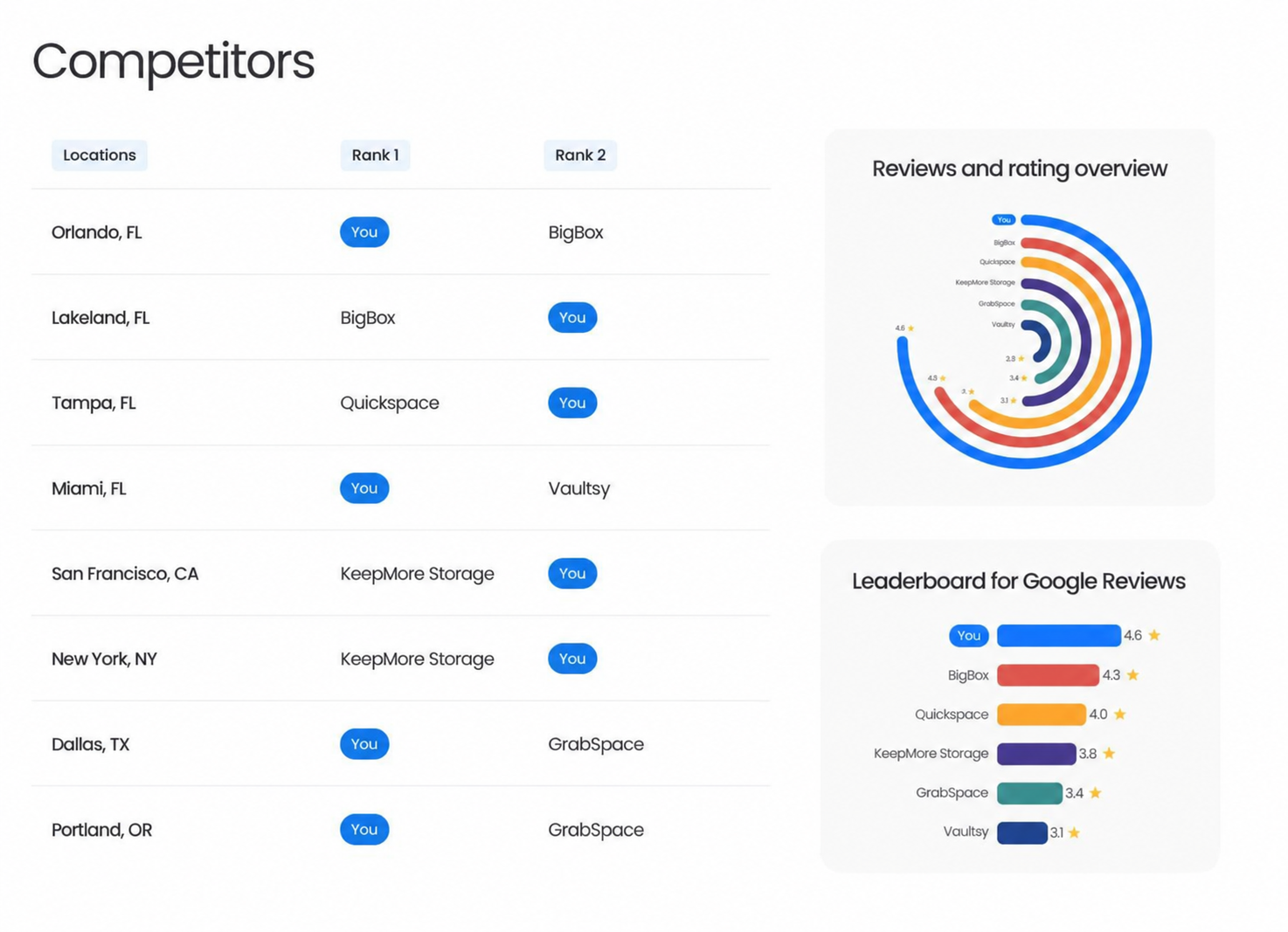
Local Radar records the other businesses AI recommends for your prompts. Its comparison view includes position, rating, review count, and appearances.
This is useful because the comparison starts with the actual recommendation set. You can see which businesses repeatedly appear for a particular service question instead of relying only on a fixed competitor list.
Ratings and review counts provide context, but they should not be treated as proof of why an AI system selected a business. The published feature documents comparison fields, not a formula explaining recommendation decisions.
For a local marketing team, the practical task is to inspect recurring patterns: which businesses appear, what services they represent, and whether the same names return across checks.
Country & City-Level Tracking (50+ locations)
Location coverage needs careful explanation in this radarKit local radar review.
Lite, Growth, and Pro include 50+ countries or locations. Enterprise lists 70+ locations and explicitly includes state and city-level tracking.
Writing a city name inside a prompt is different from collecting a response from a city-specific tracking location. A question about “dentists in Manhattan” contains geographic intent, but the standard plans do not list city-level collection controls.
RadarKit’s residential-IP approach supports its location-based tracking proposition. However, businesses planning detailed multi-city monitoring should confirm the required cities and collection options before choosing Enterprise.
Integration with Agents (Content, Outreach, Reddit, Chat)
The agents have different jobs. They should not be described as four versions of the same writing tool.
| Agent | Published function |
| Content Agent | Optimizes existing articles around tracked prompts, cited content, key entities, and related query variations. WordPress integration is listed. |
| Outreach Agent | Finds domains citing competitors, locates contacts, drafts emails, and supports sending and follow-ups through Gmail. |
| Reddit Agent | Reads AI-cited Reddit threads, identifies competitor mentions, and surfaces the discussion for review. |
| Chat Agent | Provides in-platform assistance for questions and tasks, with monthly message limits. |
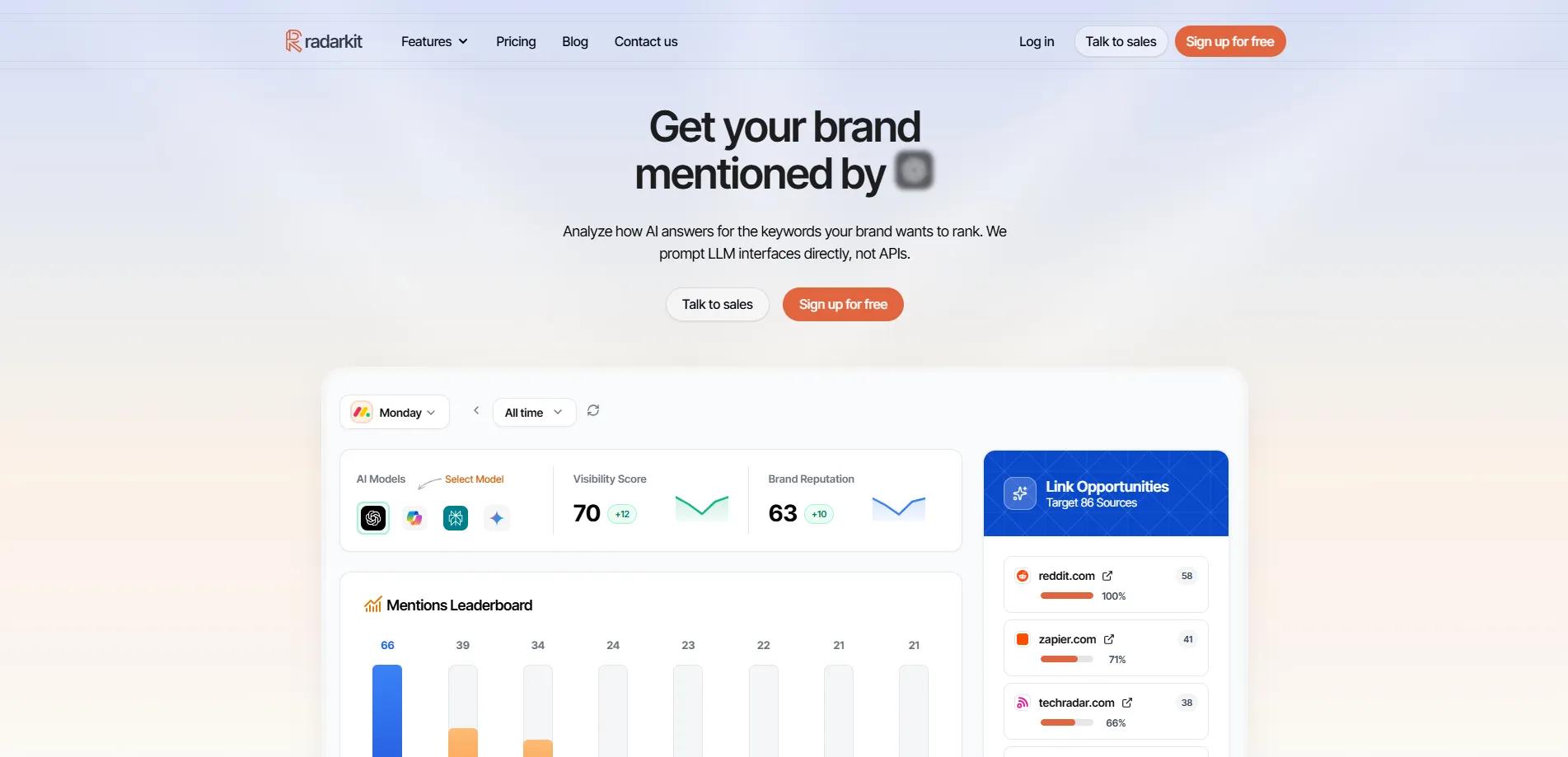
RadarKit also documents a Plan Agent. It uses Search Console and AI-citation data to create a strategy sheet and route tasks to relevant agents.
The distinction matters when setting expectations. The Reddit Agent’s published role is discussion analysis, not guaranteed recommendations or automatic positive mentions. Likewise, the Content Agent supports content work, but the feature description does not establish a guaranteed citation outcome.
This radarKit local radar review finds the agent setup useful because it connects monitoring with action. The platform does not stop at a visibility dashboard.
Pricing & Plans for Local Radar (2026)
Local business tracking is included in RadarKit’s listed subscriptions. The pricing page does not show a separate Local Radar-only subscription.
The following prices reflect the published page checked for this review.
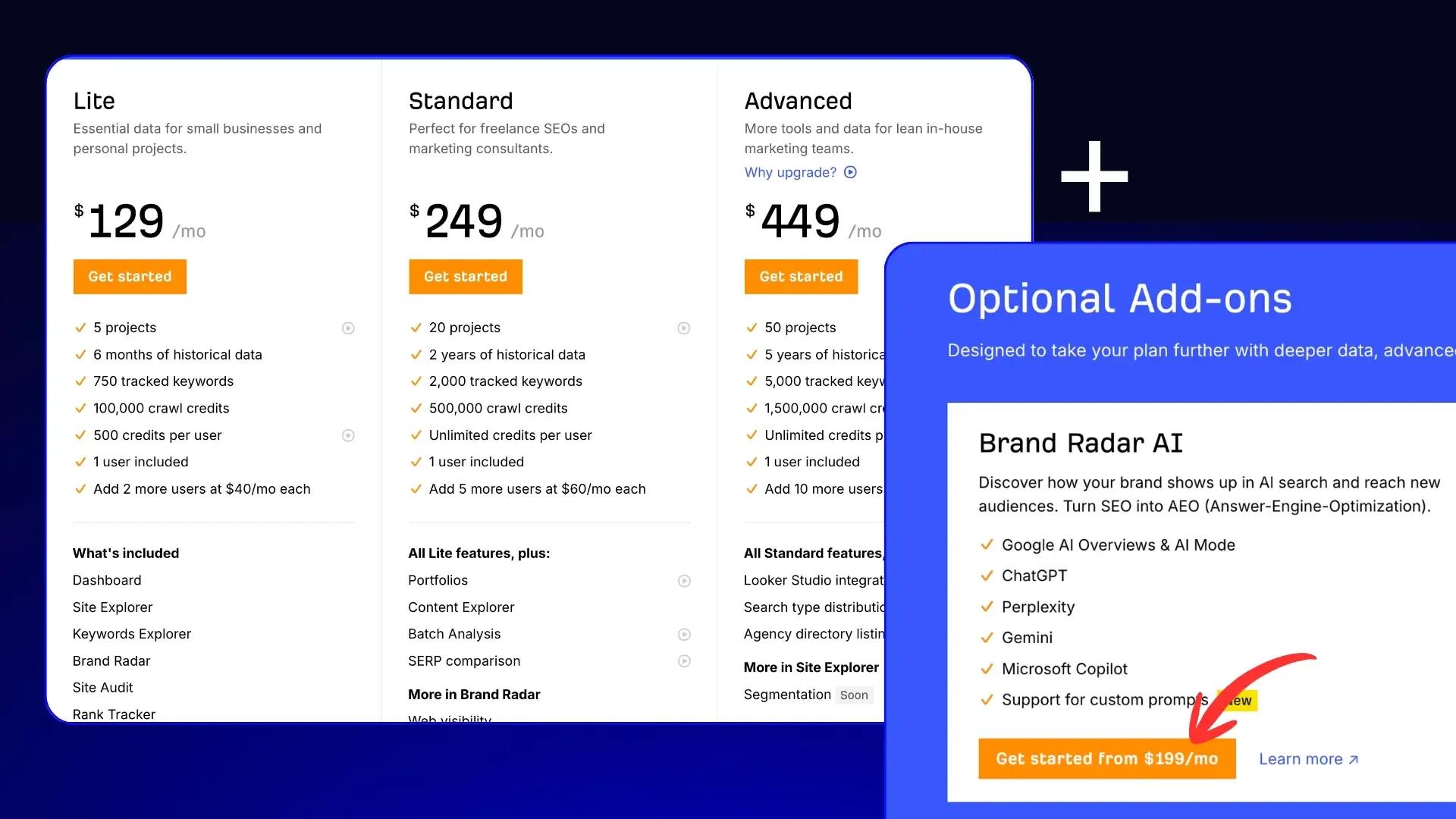
| Plan | Price | Projects | Tracked prompts | Refresh frequency | State/city tracking |
| Lite | $29/month | 2 | 15 | Every 72 hours | No |
| Growth | $79/month | 5 | 50 | Daily | No |
| Pro | $139/month | 10 | 100 | Daily | No |
| Enterprise | Custom annual pricing | Unlimited | Custom | Daily or weekly | Yes |
Lite ($29/mo): who it’s for
Lite is a sensible starting option for an individual or small business with a focused set of questions.
It includes two projects, 15 tracked prompts, six Content Agent articles or optimizations per month, 15 Chat Agent messages, and two branded PDF reports. The pricing table lists no extra seats.
Its 72-hour refresh schedule makes it better suited to periodic visibility checks than daily reporting. A compact prompt list covering your main services is the clearest fit.
For this radarKit local radar review, Lite is a practical way to test the platform with a limited set of questions. It is not the best fit for daily reporting or detailed multi-city tracking.
Growth ($79/mo): who it’s for
Growth suits users who need broader monitoring and daily results.
The plan includes five projects, 50 prompts, 19 Content Agent articles or optimizations, 25 Chat Agent messages, 10 branded reports, and two extra seats.
For this radarKit local radar review, the important upgrade is not just additional capacity. Growth changes collection from every 72 hours to daily, which makes it more suitable for a regular reporting workflow.
A small agency monitoring a few clients can use Growth to track more prompts and prepare branded reports. The daily refresh schedule also makes it easier to keep results current.
Pro ($139/mo): who it’s for
Pro is positioned for small teams. It includes 10 projects, 100 prompts, daily collection, and five extra seats.
It also provides 32 Content Agent articles or optimizations, 50 Chat Agent messages, 20 branded reports, and priority support.
This plan is a practical fit when several businesses or service categories need monitoring. However, increasing to Pro does not add state and city-level tracking. That remains an Enterprise feature.
A radarKit local radar review should make this clear: Pro increases capacity, but it does not change the location controls available on Enterprise.
Enterprise (custom): who it’s for
Enterprise is aimed at global brands and agencies needing custom capacity and more precise location controls.
Published features include unlimited projects, custom prompt tracking, 70+ locations, state and city-level tracking, single sign-on, unlimited seats, a dedicated manager, and custom contract terms. Pricing is quoted annually.
For a multi-location business, this is the plan to discuss when city-specific collection is essential. Confirm the required locations, refresh schedule, and reporting needs as part of the quote.
RadarKit advertises a seven-day free trial with no payment upfront. Its pricing FAQ also says users can cancel before the trial ends to avoid a charge.
Pros & Cons of RadarKit Local Radar
Pros
- Focused local measurements. Appearance rate and recommendation position directly address whether AI recommends a local business.
- Competitor context. Ratings, review counts, positions, and appearances sit alongside recommended business names.
- Broad platform coverage. Every listed plan includes six supported AI platforms.
- Accessible entry price. Lite starts at $29 per month and includes local tracking and agents.
- Action tools within the same platform. Content, outreach, Reddit analysis, and chat assistance support work beyond monitoring.
- Reporting support. Client Portal access, branded PDF reports, full history, and MCP/API access are listed across all plans.
This radarKit local radar review finds the combination of tracking and action tools to be a clear strength. The platform connects local recommendation data with content, outreach, and reporting workflows.
Cons
These are plan-selection tradeoffs rather than reasons to dismiss the platform.
- Lower plans have tighter prompt limits. Lite includes 15 tracked prompts, so a broad service list may require careful prioritization.
- Lite does not refresh daily. Its 72-hour schedule may not suit teams preparing daily updates.
- City-level collection requires Enterprise. Lite, Growth, and Pro do not list state or city-level tracking.
- Agent usage is capped. Content allowances, chat messages, and agent action credits vary by subscription.
- The published pages do not establish performance gains. They describe features and illustrative workflows, not a verified improvement in leads or AI recommendations for your business.
A balanced radarKit local radar review should treat these points as plan-selection tradeoffs. The right choice depends on how many prompts, locations, and reports a business needs.
Who Should Use RadarKit Local Radar?
RadarKit Local Radar is worth considering when local AI recommendations are part of your marketing measurement needs.
- Local business owners can monitor a focused set of service questions and compare recommended businesses.
- Local SEO consultants can track client visibility and prepare branded reports.
- Small agencies can combine multiple projects, team access, and content or outreach tasks.
- Multi-location brands can discuss Enterprise city-level tracking and custom capacity.
- Content teams can use tracked prompts and citation data to guide article improvements through the Content Agent.
The strongest fit is a team that wants both measurement and follow-up tools. RadarKit’s published offering connects local recommendation tracking with agents and reporting, rather than stopping at a visibility dashboard.
Setup & Onboarding: How to Start Tracking Local Visibility
The following is a suggested onboarding workflow, not a verified sequence of dashboard buttons.
- Define the business and services you want to measure.
Keep the initial scope clear so your results answer a specific question. - Build a small prompt list.
Include broad service searches and more specific customer needs, such as emergency appointments or specialist services. - Match location requirements to the plan.
Use the pricing distinction between standard location coverage and Enterprise state/city-level tracking. - Collect a baseline before making changes.
Record which businesses appear and where your business sits in the recommendation lists. - Connect relevant integrations.
RadarKit lists Google Search Console, Google Analytics, and WordPress integration across its plans. The Outreach Agent separately lists Gmail support. - Choose one follow-up task.
For example, review an existing service article using the Content Agent or examine cited domains through the Outreach Agent. - Review later checks against the baseline.
Keep the tracked question set stable enough to make the comparison useful.
This approach keeps setup manageable. You can expand your prompts once the initial results show which questions deserve closer attention.
A useful radarKit local radar review should also remind readers to keep the prompt list stable. Changing questions too often makes it harder to compare results over time.
Real-World Use Cases & Example Workflows
The examples below are proposed workflows, not customer case studies or measured results.
Ranking for “near me” queries in multiple cities
Consider a dental group with branches in several cities. It wants to know whether AI recommends its clinics for questions such as “dentist near me” and “emergency dentist near me.”
A practical workflow would be to:
- Confirm city-level collection requirements with RadarKit.
- Track a consistent set of service questions for each selected city.
- Review appearance rates and recommendation positions.
- Identify competing clinics that repeatedly appear.
- Compare subsequent checks after updating relevant branch content.
This is an Enterprise-oriented use case because the pricing table reserves city-level tracking for that plan. Results should be reported as positions within AI answers, not conventional map rankings.
For a multi-location business, this radarKit local radar review finds the Enterprise plan to be the clearest fit. The city-level controls matter when each branch needs separate visibility checks.
Monitoring AI recommendations for service categories
A home-services business might want separate visibility checks for plumbing repairs, drain cleaning, and water-heater installation.
Rather than treating all visibility as one score, it could group prompts around each service and review the recommended businesses. Local Radar supplies the appearance and competitor measurements needed for that comparison.
The result is a more useful content discussion: which services have visibility, and which need closer investigation? The prompt allowances of 15, 50, and 100 across the standard plans help determine how broad that monitoring can be.
This radarKit local radar review finds the grouped-prompt approach useful for businesses with several services. It keeps the results organized and makes it easier to spot gaps.
Turning gaps into content/outreach with Agents
Suppose a clinic appears for general dental searches but is absent from a tracked question about emergency appointments.
A proposed workflow could include:
- Reviewing relevant AI-citation data.
- Using the Content Agent to examine an existing emergency-service article.
- Using the Outreach Agent to investigate domains citing competitors.
- Reviewing relevant AI-cited discussions with the Reddit Agent.
- Continuing to monitor the original prompt.
This is where RadarKit’s wider toolkit becomes useful. The agents have distinct roles in content, outreach, and discussion analysis, while Local Radar remains the measurement layer.
A radarKit local radar review should not promise guaranteed recommendations. The agents support content and outreach work, but the published pages do not establish a guaranteed citation outcome.
Final Verdict: Is RadarKit Local Radar Worth It in 2026?
The verdict of this radarKit local radar review is that RadarKit is worth considering for businesses that want to measure local AI recommendations and work on the findings within one platform.
Its clearest strengths are focused local metrics, recommended-business comparisons, direct interface tracking, and supporting agents. The $29 starting plan also offers a relatively small entry point for testing a focused prompt set.
Choose Lite for limited monitoring, Growth for daily checks with more capacity, and Pro for a larger small-team workflow. Discuss Enterprise when state or city-level collection is a requirement.
The purchase decision should rest on those practical needs, not an expectation of guaranteed recommendations. Use the trial to assess the coverage, reports, and workflow against your own business questions.
For a local business or agency, this radarKit local radar review finds RadarKit to be a strong overall choice. The platform combines local tracking, competitor context, agents, and reporting in one place.
FAQs
What does RadarKit Local Radar track?
It tracks whether a local business appears in AI recommendations, its recommendation position, and the other businesses included. Competitor comparisons include ratings, review counts, and appearances.
Is Local Radar included in the $29 Lite plan?
Yes. RadarKit’s pricing comparison lists local business tracking on Lite and every other plan. Lite includes two projects and 15 tracked prompts.
Does RadarKit support city-level tracking?
Yes, but the current pricing page lists state and city-level tracking only on Enterprise. The standard plans list 50+ countries or locations without those controls.
Which AI platforms does RadarKit monitor?
All listed plans include ChatGPT, Google AI Mode, Google AI Overviews, Microsoft Copilot, Perplexity, and Gemini.
How often does Local Radar refresh?
The platform’s listed prompt frequency is every 72 hours on Lite, daily on Growth and Pro, and daily or weekly on Enterprise.
Is there a free trial?
RadarKit advertises a seven-day free trial with no payment upfront.
Are the Content, Outreach, Reddit, and Chat agents unlimited?
No. Their allowances vary by plan. For example, Lite includes six Content Agent articles or optimizations and 15 Chat Agent messages per month, while Pro includes 32 and 50 respectively.
Does Local Radar show Google Maps rankings?
The documented feature tracks business positions inside AI-generated local answers. Those measurements should not be described as a conventional Google Maps ranking report.
