

Choosing local prompts in Peec AI starts with understanding what customers ask when they need a business nearby. Instead of tracking broad phrases such as “best dentist,” use questions that include a service, location, and useful buying detail.
For example, “Which dentists in [city] offer evening appointments?” gives you a more specific question to monitor than a general category search. It combines a service, a city, and a customer requirement.
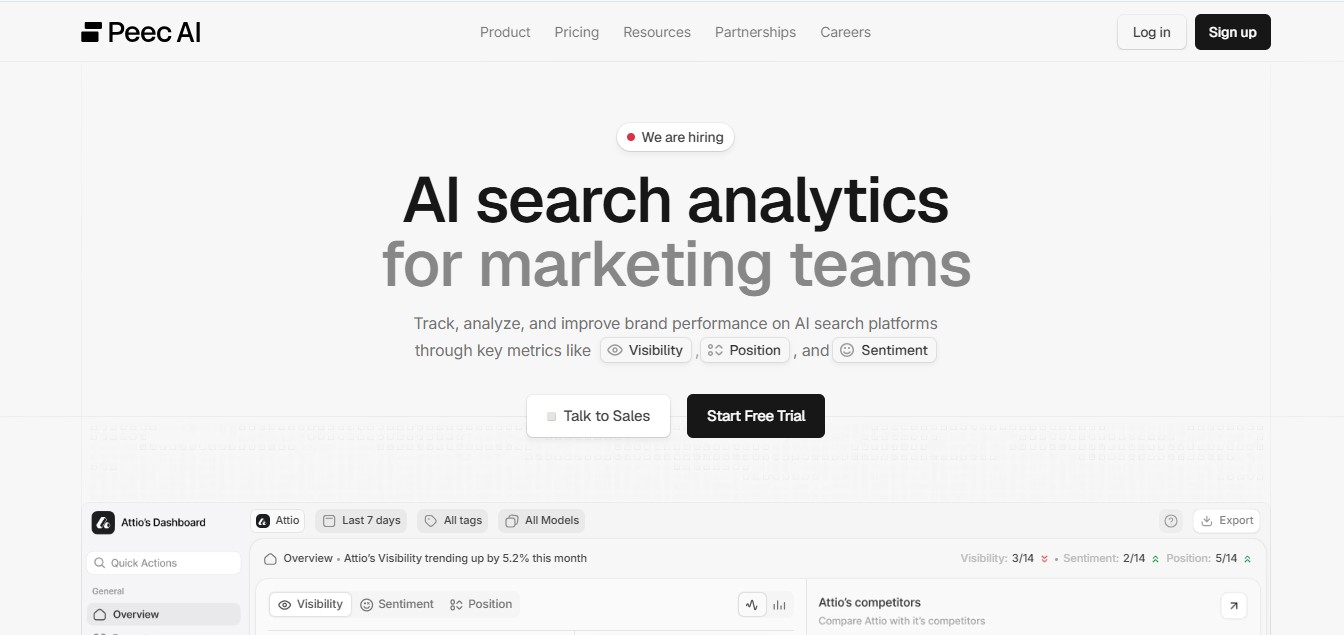
The same approach helps you compare tracking tools. Peec AI provides structured prompt setup and organization, while Radarkit adds a dedicated Local Radar view for business recommendations, appearance rates, and positions.
Key Takeaways
- Build your prompt list around locations you actually serve.
- Give each prompt a distinct customer need rather than creating several wording variations.
- Separate unbranded discovery prompts from questions that name your business.
- Peec’s documented prompt Location setting selects a country. Put city and neighborhood details inside the prompt text.
- Use topics and tags to organize services, locations, and customer requirements.
- Radarkit includes local business tracking on every plan, but its pricing table reserves state and city-level tracking settings for Enterprise.
How to Choose Local Prompts at a Glance
| Step | What to do | Example |
| 1. Map locations | List your service areas and priority markets | [city], [neighborhood], and nearby service zones |
| 2. Identify intent | Collect questions about services, suitability, and booking | “Which dentists in [city] offer evening appointments?” |
| 3. Balance prompts | Include discovery, research, and decision questions | Compare general recommendations with branded questions |
| 4. Configure tracking | Select the supported country and organize imports | Country: India; city included in prompt text |
| 5. Validate and prioritize | Remove duplicates and tag distinct needs | Topic: dental services; tag: [city] |
Why Local Prompts Matter for AI Search Visibility
Local prompts connect your tracking to the places and circumstances that matter to customers. Location can affect recommendations because service availability and regional information differ.
For a local business, a useful tracking question is not simply whether AI mentions the brand. It is whether the brand appears when someone asks for the service in a relevant market.
That is why local prompts in Peec AI should include more than a city name. A question about emergency appointments measures a different customer need from one about cosmetic treatment, even when both refer to the same location.
There is also an important distinction between prompt wording and execution location. Asking about a neighborhood makes the question locally specific, but it does not establish that the tracking run originates from that neighborhood. Peec’s standard prompt setup documents country selection.
5 Steps to Choose Local Prompts in Peec AI
Step 1: Map Your Target Locations and Service Areas
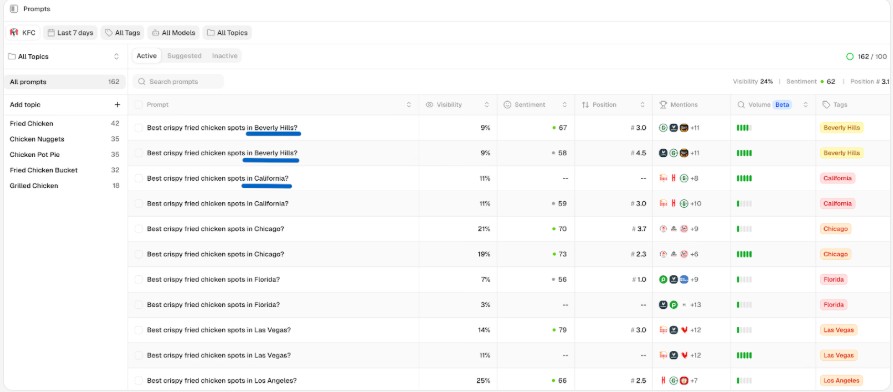
Start by deciding where visibility would support your business goals. A focused location list makes it easier to build useful local prompts in Peec AI without spreading your prompt allowance across markets you do not serve.
Define Cities, Neighborhoods, and “Near Me” Zones
Create a working list of:
- Cities where you have branches or customers.
- Neighborhoods served by each location.
- Delivery areas or travel boundaries.
- Location terms customers use in enquiries.
- Nearby landmarks that genuinely affect service access.
For a dental clinic, your list might include [city] and [neighborhood]. For a home-service business, it might include several neighborhoods within a defined service radius.
Treat “near me” as a separate testing case. Without clear geographic context, it is harder to know which market an answer represents. Begin with explicit place names, then add “near me” questions where the tool’s location controls match your testing needs.
Align Locations With Your Business Goals and Coverage
Give each market a reason to be tracked. Useful priorities include an established branch, a new service area, or a location where you want more enquiries.
A simple planning sheet can keep the decision clear:
| Market | Service | Business priority | Example question |
| [city] | General dentistry | Core service area | “Which dentists in [city] are suitable for families?” |
| [neighborhood] | Cosmetic dentistry | Priority treatment | “Which clinics in [neighborhood] offer teeth whitening?” |
| [city] | Emergency dentistry | Appointment demand | “Where can I find emergency dental care in [city]?” |
These are sample prompts, not measured customer demand. Replace them with questions from your own calls, forms, sales conversations, and customer records.
Step 2: Identify High-Intent Local Query Patterns
The strongest local prompts in Peec AI reflect questions a customer could realistically ask. Focus on intent and context rather than small changes in wording.
Use Peec’s Prompt Suggestions and Topic Pillars
Create topics before generating a large prompt list. Peec recommends starting with three to five broad areas, and each prompt belongs to one topic.
A dental business could organize topics around general dentistry, cosmetic dentistry, and emergency appointments. Location tags can then separate the markets within those services.
Peec offers two relevant discovery routes:
- Prompt suggestions based on your website, industry context, and existing topics.
- Prompt discovery using your business profile, markets, languages, topics, and desired prompt distribution.
Review suggestions before activating them. Add missing local details, remove services you do not offer, and check that each question measures a distinct need.
Focus on “Best [Category] in [City]” and “Near [Neighborhood]” Queries
Use a basic pattern: service or category, location, and customer requirement.
For example:
- “Which family dentists in [city] offer weekend appointments?”
- “What are the best vegetarian restaurants near [neighborhood]?”
- “Which AC repair companies in [city] provide same-day visits?”
- “Where can I book a physiotherapy appointment near [neighborhood]?”
Each prompt adds a reason for the recommendation. That gives your reporting more meaning than a list of broad “best business” questions.
Avoid tracking several near-identical versions of one request. Prompts with similar intent and context may produce similar results over time, so prioritize meaningful differences.
Step 3: Build a Balanced Local Prompt Set
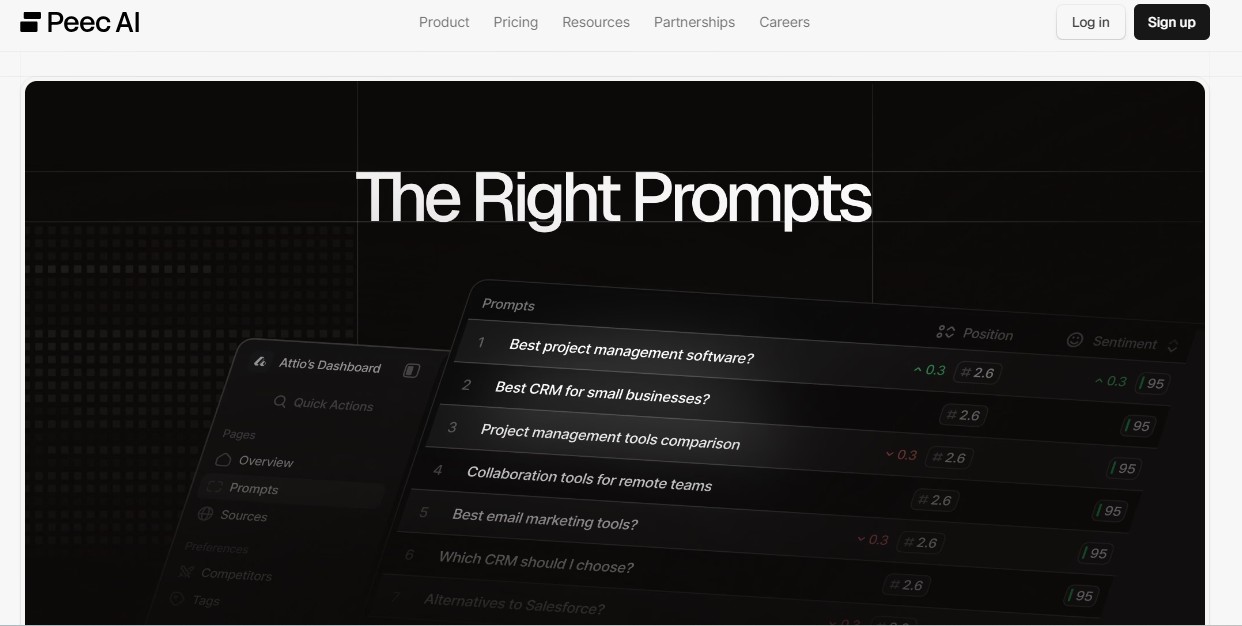
A useful list covers more than recommendation questions. Local prompts in Peec AI should help you understand discovery, comparison, and decision-stage visibility separately.
Cover Awareness, Consideration, and Decision Intents
Peec automatically classifies prompts as informational, commercial, or transactional. Informational questions often produce fewer brand mentions unless the question asks for relevant providers or tools.
| Intent | Customer goal | Local prompt example |
| Informational | Understand a service | “What should I consider when choosing a dentist in [city]?” |
| Commercial | Compare options | “Which dentists in [city] offer evening appointments?” |
| Transactional | Take the next step | “How can I book an appointment at [Clinic Name] in [city]?” |
Do not expect every informational answer to recommend businesses. Use those prompts to understand educational coverage, then evaluate recommendation visibility through commercial questions.
Peec’s Prompt Discovery defaults use a 25% informational, 50% commercial, and 25% transactional mix. Treat that as a starting configuration, not a required formula for every local business.
Mix Generic, Branded, and Competitor-Comparison Prompts
Separate these three groups:
- Unbranded prompts: “Which dental clinics in [city] offer emergency appointments?”
- Branded prompts: “What services does [Clinic Name] offer in [city]?”
- Comparison prompts: “How do [Clinic A] and [Clinic B] compare for evening appointments?”
Unbranded questions test whether AI includes your business without being asked about it. Branded questions examine the information returned when the customer already knows your name.
Keep these results separate. A brand appearing in an answer to a question that names it measures something different from appearing in an open recommendation list.
Peec’s discovery setup lets you choose the branded and unbranded distribution, with a default of 20% branded prompts.
Step 4: Configure Location Settings in Peec AI
Once the questions are ready, configure local prompts in Peec AI with both the execution country and the location wording checked.
Set Country and Region for Each Prompt in the Dashboard
The documented manual workflow is:
- Open All Prompts.
- Click Add prompt.
- Enter one prompt or several, with one per line.
- Select the Location country.
- Add a topic and optional tags.
- Click Add.
For a [city] question, select India when it is available in your account, then include [city] or the relevant neighborhood in the prompt.
Peec’s documentation describes this Location field as a country selector. It does not establish a city or neighborhood selector in that standard workflow. Country allowances also depend on the subscription plan and apply per project.
Use Bulk Upload for Multi-City Prompt Lists
For larger sets, Peec supports CSV uploads. The documented file structure includes prompt text, country code, topic, and one column per tag.
| Prompt | Country code | Topic | Market tag | Requirement tag |
| Which dentists in [city] offer evening appointments? | IN | General dentistry | [city] | Evening appointments |
| Which clinics in [city 2] offer teeth whitening? | IN | Cosmetic dentistry | [city 2] | Teeth whitening |
| Where can I find emergency dental care in [city 3]? | IN | Emergency dentistry | [city 3] | Emergency care |
Peec specifies a maximum of 200 characters per imported prompt and recommends UTF-8 encoding. If the country value is blank or invalid, the project’s default location is used.
Check the preview before importing. Confirm that city names remain in the prompt text and that country codes, topics, and tags are in the right columns.
Step 5: Validate, Tag, and Prioritize Your Local Prompts
Before activating your full list, review whether each question adds useful coverage. A smaller, well-organized set of local prompts in Peec AI is easier to interpret than a larger collection of overlapping questions.
Tag by Intent, Topic, and Market for Clean Reporting
Use a topic for the main service category and tags for details that cut across categories. Peec supports topics and tags during manual entry and CSV import.
For example:
- Topic: Emergency dentistry.
- Market tag: [city].
- Neighborhood tag: [neighborhood].
- Requirement tag: Evening appointments.
- Branding tag: Unbranded.
Peec already applies its own intent classification, so avoid creating duplicate labels unless your reporting needs a more detailed distinction.
Start With 10–20 High-Value Local Prompts Per Market
For a focused pilot, consider 10 to 20 distinct prompts per market. This is a practical starting recommendation, not a Peec requirement.
Choose the exact number based on service variety, market importance, and your plan allowance. Peec’s listed brand plans include 50 prompts on Starter, 150 on Pro, and 350 on Advanced.
Prioritize questions using:
- Relevance to services you provide.
- Value of the customer need.
- Evidence from actual enquiries.
- Coverage of different buying stages.
- Whether the question adds something distinct.
Peec’s Prompt Volume score can provide another input. It is an industry-relative score from 1 to 5, based partly on web-search trends and keyword weighting, rather than an exact count of local AI conversations.
Keep a stable core of prompts so you can compare trends. When a question is no longer useful, archiving preserves its historical data and removes it from the active allowance.
Other AI Visibility Tools With Local AI Tracking
Radarkit: Local Radar for City-Level AI Recommendations
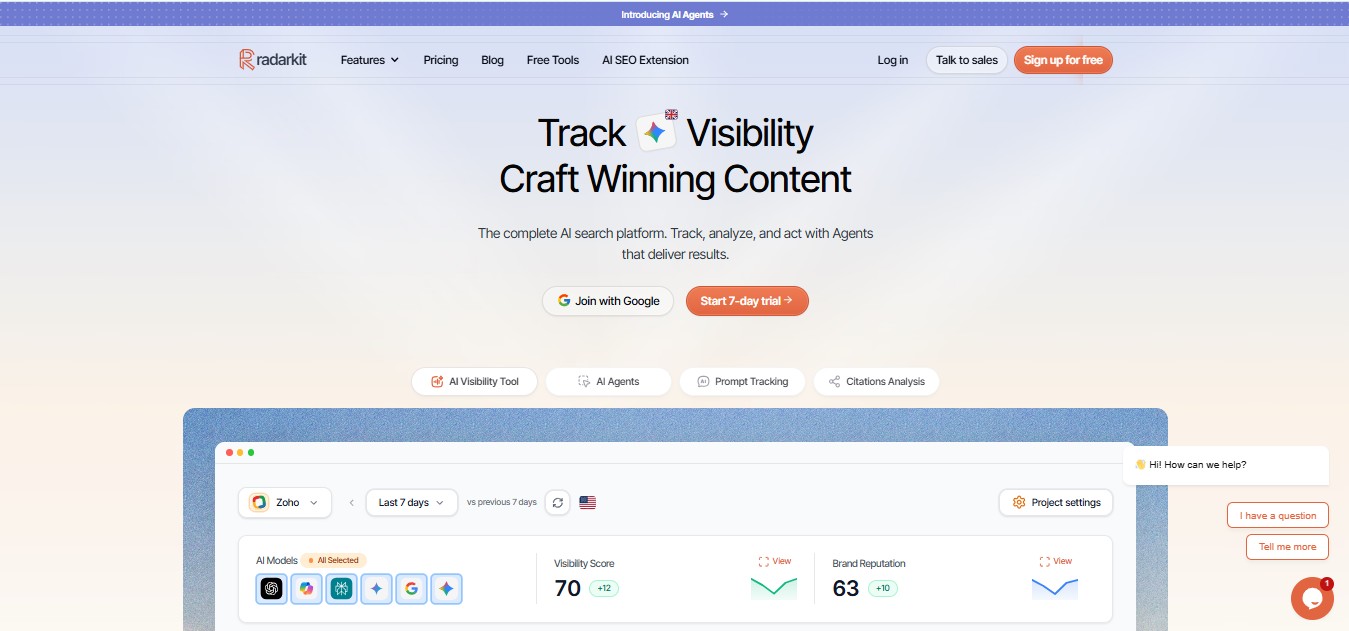
Radarkit is the strongest overall fit in this comparison for a business focused on local AI recommendations. Its Local Radar view addresses practical questions: how often the business appears, where it ranks, and which other businesses are recommended.
The platform describes residential-IP tracking across more than 50 countries and direct prompting of AI interfaces rather than APIs. Local Radar reports appearance rate, position, and competitor details such as ratings, review counts, and appearances.
Its pricing page lists ChatGPT, Google AI Mode, Google AI Overviews, Microsoft Copilot, Perplexity, and Gemini across every plan.
| Radarkit plan | Listed price | Prompts | Projects | Refresh |
| Lite | $29/month | 15 | 2 | Every 72 hours |
| Growth | $79/month | 50 | 5 | Daily |
| Pro | $139/month | 100 | 10 | Daily |
| Enterprise | Custom annual pricing | Custom | Unlimited | Daily or weekly |
The important purchasing detail is the difference between local business tracking and city-specific execution settings. Radarkit lists local business tracking on all plans, but state and city-level tracking is Enterprise-only. The listed location coverage is 50+ on self-service plans and 70+ on Enterprise.
That makes Radarkit a useful choice for local recommendation reporting, with a clear plan check needed when your project requires runs from specific cities.
Profound: Region and City-Level Prompt Tracking
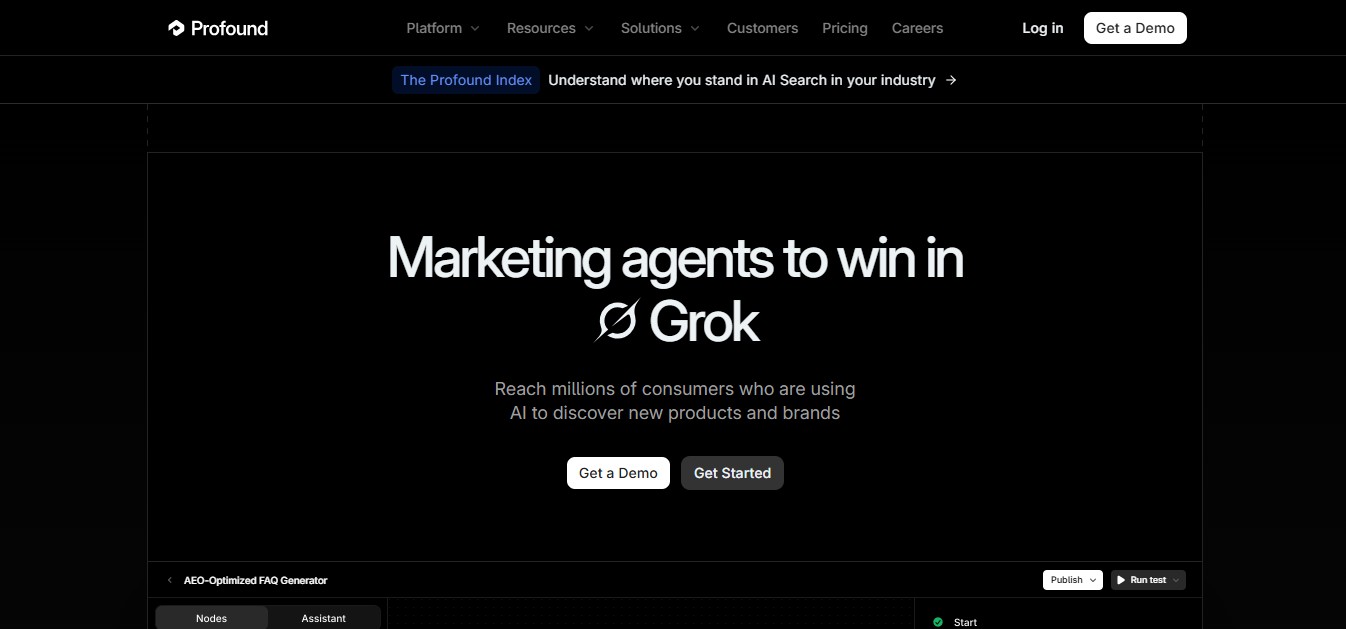
Profound provides a broader view of how AI describes a brand across regions, topics, and audiences. Answer Engine Insights tracks visibility, share of voice, sentiment, citations, and competitor rankings.
Its official product page states support for more than 150 regions and over 30 languages. The platform also provides a Regions view for comparing regional visibility.
Distinctive features include:
- Browser-based capture of consumer AI experiences.
- Prompt selection through custom uploads, generated suggestions, and Prompt Volumes.
- Citation authority analysis.
- FactCheck for checking claims about a brand.
- Agents for creating or improving content around identified gaps.
Profound is a strong option when local tracking belongs within a wider regional brand program. However, its published support for regions should not automatically be read as support for every city or neighborhood. Confirm the precise geographic coverage needed for your account.
Promptwatch: Multi-Region Prompt Monitors and Local Insights
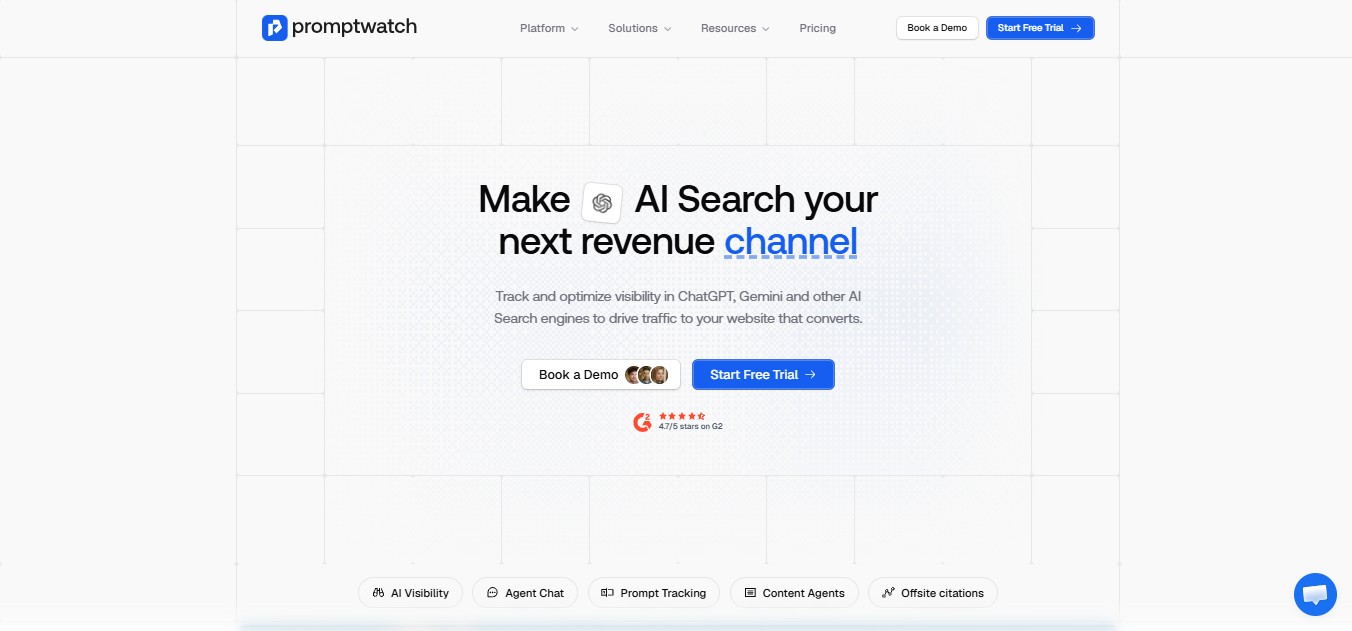
Promptwatch combines prompt tracking with competitor comparisons, citation analysis, and AI-agent traffic monitoring. Its location-tracking features include country selection for monitoring responses across markets.
The platform’s prompt suggestions draw from Google Search Console queries, site content, and competitor gap analysis. It also supports keyword imports, bulk prompt imports, and tags for different prompt and intent types.
Its distinguishing features include:
- Citation reports showing the pages referenced in answers.
- Competitor visibility comparisons across the same prompts.
- AI-agent activity monitoring through website integrations.
- Suggested prompts informed by existing search and content data.
Promptwatch recommends starting with 15 to 30 prompts per monitor or market. For a business extending an existing search-content program into AI monitoring, that provides a useful planning reference.
The product information reviewed confirms country-level tracking but does not establish universal city-level execution. Verify that requirement before purchasing for a neighborhood-specific project.
Which Tool Fits Each Task?
| Tool | Main strength | Geographic detail to check |
| Peec AI | Structured suggestions, discovery, topics, and CSV setup | Standard prompt setup documents country selection; include cities in prompt text |
| Radarkit | Dedicated local business appearance and position reporting | State and city-level tracking settings require Enterprise |
| Profound | Regional brand analysis, citations, and claim checking | Confirm the specific cities covered within its regional offering |
| Promptwatch | Prompt monitoring linked to citations and website-agent activity | Country tracking is documented; verify finer location controls |
Final Verdict: Best Tools to Choose for Local Prompts
Radarkit is the best overall choice here for local businesses prioritizing recommendation visibility. Its dedicated Local Radar reporting, local business tracking across plans, and $29 monthly entry option make it a practical starting point for that specific task. City-level execution requirements still need an Enterprise plan check.
Peec AI remains a strong choice for building and organizing a location-based prompt program. Its discovery workflow, country controls, tags, and bulk import tools give teams a clear way to manage local prompts in Peec AI.
Choose Profound when regional brand representation is the wider goal, or Promptwatch when citation analysis and website-agent monitoring are central to the project.
Whatever the platform, begin with real service areas and distinct customer questions. The most useful prompt is one whose result can guide a business or content decision.
FAQs
What Are Local Prompts in Peec AI?
They are customer-style questions that include a place, a local service need, or both. Peec supports conversational prompt text and a country-level execution setting in its documented setup.
Can Peec AI Track Neighborhood Questions?
You can include a neighborhood in the prompt text. That makes the question locally specific, but the standard documented Location selector chooses a country rather than a neighborhood.
How Many Local Prompts Should I Track?
A focused pilot of 10 to 20 distinct prompts per market is a reasonable planning approach. Adjust it to your services and total allowance. Peec Starter includes 50 prompts, while Promptwatch recommends 15 to 30 per monitor or market.
Should I Track “Near Me” Questions?
Yes, where you can establish the geographic context of the run. Explicit city and neighborhood questions are a useful starting point because they make the intended market clear.
Peec documents country execution settings, while Radarkit reserves state and city-level tracking settings for Enterprise.
Does Radarkit Include Local Tracking?
Yes. Its pricing table includes local business tracking on every plan. Dedicated state and city-level tracking settings are listed only on Enterprise.
Can I Upload Local Prompts in Bulk?
Peec supports CSV uploads with prompt text, country code, topic, and tags. Imported prompts have a documented 200-character limit, and the file should use UTF-8 encoding.
How Often Should I Review Local Prompts?
A monthly review is a practical starting schedule. Keep the core questions consistent, then add or archive prompts when services, locations, or customer needs change. Peec lets you archive prompts without losing their historical data.
