

The right tools to track local AI visibility help you answer a practical question: does AI recommend your business when someone searches for a service in your area? RadarKit, Peec AI, Scrunch, and other platforms measure business recommendations, brand mentions, and citations across AI-generated answers.
For a local business, those are different things. An answer might recommend your clinic without linking to your website. Another might cite your service page without including your business in its shortlist. Useful tracking separates these outcomes instead of treating every appearance as equal.
This guide compares eight platforms by their local tracking approach, unique features, pricing, and practical trade-offs. RadarKit leads the selection for its dedicated local business monitoring, while the other tools suit different reporting, research, and SEO needs. The comparison uses published product information, not hands-on testing claims.
Best Local AI Visibility Tools at a Glance
Not all tools to track local AI visibility measure location in the same way. Some support geographic settings, some monitor location-specific prompts, and others combine traditional local rankings with AI visibility reports.
| Tool | Best fit | Published starting price relevant to this guide | Important local distinction |
| RadarKit | Local business recommendations and competitor tracking | $29/month, 15 prompts | Local business tracking on all plans; state and city-level tracking on Enterprise. |
| Peec AI | Daily visibility and share-of-voice reporting | Starter listed at $95/month on its official entity page | Supports geographic prompt strategies; Starter includes three selected models. |
| Scrunch | Citation analysis by country and customer persona | $300/month, or $250/month billed annually | Country targeting and location-specific prompts support geographic analysis. |
| OtterlyAI | Affordable AI monitoring and GEO audits | $29/month, 15 prompts | Supports 50+ countries; do not treat this as confirmed city-level simulation. |
| Semrush | Combined SEO and AI search management | Starter: $199/month, or $165.17/month billed annually | Brand Performance supports geographic settings, including cities; coverage varies by feature. |
| SE Ranking | Value-focused SEO, GEO, and local marketing | Core: $129/month, or $103.20/month billed annually | Combines AI prompt tracking with local and map tracking. |
| Nightwatch | Location-based rankings with AI monitoring | Starter: €79/month equivalent, billed yearly | Extensive rank-tracking locations; confirm AI platform coverage before subscribing. |
| Ahrefs | Competitor research and custom AI prompt tracking | Lite: $129/month; custom prompt packages from $50/month | AI tracking usage depends on prompt, platform, and location combinations. |
Prices below reflect the retrieved official pages. Monthly equivalents on annual plans require annual billing. Where a page contains unclear or inconsistent information, the relevant section explains it.
What Is Local AI Visibility (and Why It Matters in 2026)
Local AI visibility describes how often, how prominently, and in what context an AI search platform presents your business for location-related questions. That can include a business recommendation, a brand mention, a cited website, or a local business card.
For example, a dental clinic might monitor these prompts:
- “Best dentist in Nagpur.”
- “Dental clinics in Dharampeth for implants.”
- “Which Nagpur dentists offer emergency appointments?”
These are illustrative prompts, not measured results. They show why a single brand-wide visibility score may not answer a local business owner’s question.
Useful tools to track local AI visibility should help you distinguish several measurements:
| Measurement | What it tells you |
| Appearance rate | How frequently your business appears in the tracked local answers. |
| Recommendation position | Where your business appears among recommended options. |
| Citation frequency | How often an AI answer references your website or a particular page. |
| Competitive share of voice | How your presence compares with other brands across monitored answers. |
| Geographic performance | How results differ across selected markets or geographic prompt groups. |
| Referral and agent activity | Whether AI platforms send visits or access your website’s pages. |
The distinction matters because local recommendations and traditional rankings are not interchangeable. A platform that monitors Google Maps positions can be useful, but that alone does not establish whether ChatGPT recommends your business. Look for an explicit AI monitoring feature alongside any local SEO tools.
8 Best Tools to Track Local AI Visibility in 2026
These eight tools cover three different needs: monitoring local business recommendations, understanding citations and competitors, and managing AI visibility alongside traditional SEO. The best choice depends on which of those jobs matters most to your business.
RadarKit receives the overall recommendation for a local-first workflow. That does not mean it leads every category. Peec AI offers detailed daily reporting, Scrunch adds persona-based analysis, and established SEO platforms provide broader research capabilities.
RadarKit: Best for City-Level Local AI Tracking
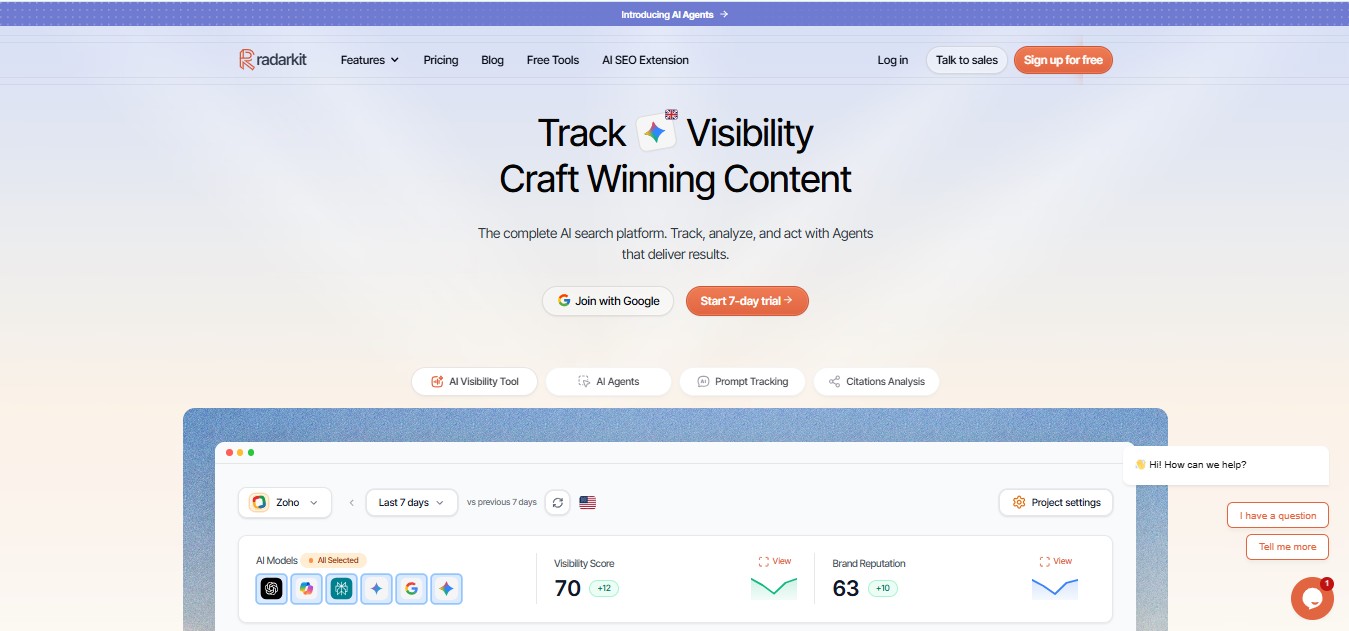
RadarKit stands out because Local Radar focuses on actual business recommendations rather than only website citations. It reports how often a business appears, its position in an answer, and the other businesses recommended for the same prompts.
That makes its reports relevant to clinics, restaurants, service businesses, and other companies competing for local recommendations. Instead of stopping at “your brand was mentioned,” the platform can show which local competitors appeared and how their positions compare.
The city-level qualification is important: RadarKit’s pricing table lists local business tracking across all plans, but state and city-level tracking only on Enterprise. A $29 subscription should not be presented as including Enterprise geographic controls.
Key Features
- Local recommendation tracking: Measures appearance rate and recommendation position for local businesses.
- Competitor details: Compares recommended businesses by position, rating, review count, and appearances.
- Interface-based collection: RadarKit states that it prompts AI interfaces directly rather than relying on API responses. Its local feature page also describes residential IP tracking.
- Six-platform coverage: Plans list ChatGPT, Google AI Mode, Google AI Overviews, Microsoft Copilot, Perplexity, and Gemini.
- Reporting and integrations: Includes branded PDF reports, a client portal, Google Search Console, Google Analytics, API access, and MCP access.
- Action tools: Content, outreach, Reddit, and chat agents are listed alongside visibility monitoring, with usage allowances varying by plan.
Pricing
| Plan | Published price | Prompts | Projects | Refresh frequency |
| Lite | $29/month | 15 | 2 | Every 72 hours |
| Growth | $79/month | 50 | 5 | Daily |
| Pro | $139/month | 100 | 10 | Daily |
| Enterprise | Custom annual pricing | Custom | Unlimited | Daily or weekly |
Enterprise adds state and city-level tracking, 70+ locations, SSO, and a dedicated manager. RadarKit also advertises a seven-day trial.
Growth is the practical starting point when daily monitoring matters. Lite offers a lower entry price, but its 72-hour refresh cycle is a meaningful difference.
Pros and Cons
| Pros | Cons and considerations |
| Dedicated local business recommendation metrics. | State and city-level controls require Enterprise. |
| All six listed AI platforms are included across plans. | Lite refreshes every 72 hours rather than daily. |
| Multiple projects and reporting features begin at the entry tier. | Prompt and agent allowances vary by subscription. |
Among tools to track local AI visibility, RadarKit offers the clearest local-first combination of recommendation tracking, competitor information, and accessible entry pricing. Its Enterprise requirement remains part of the buying decision when precise city targeting is essential.
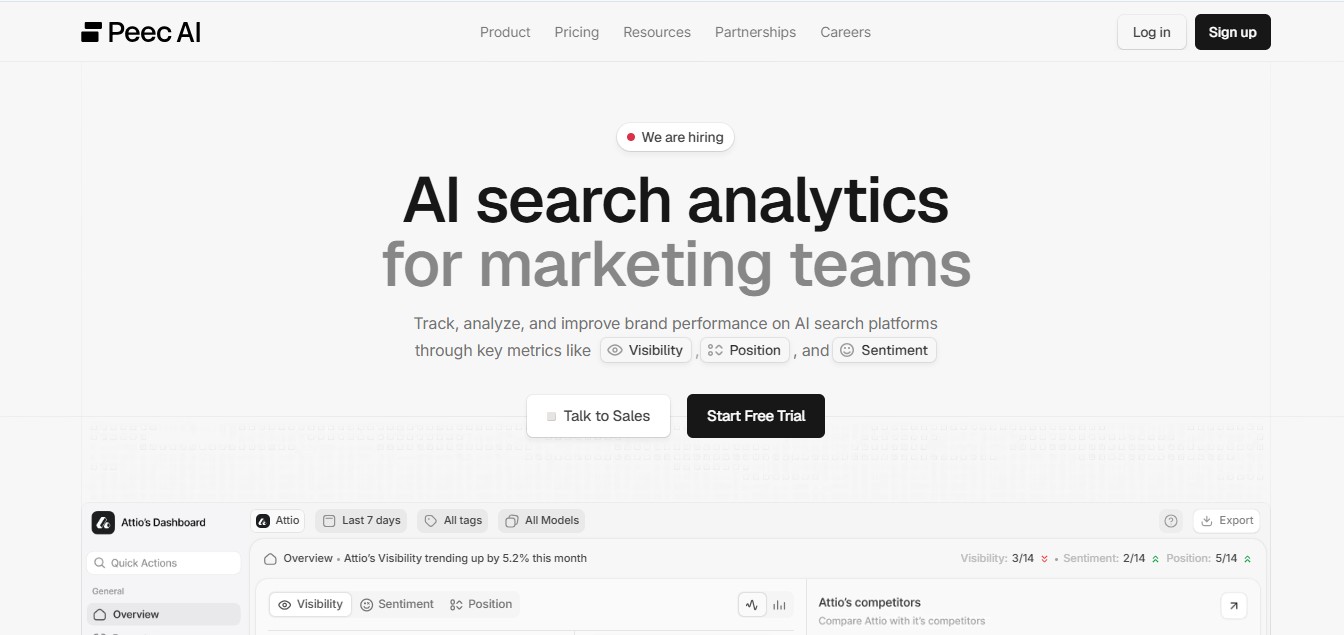
Peec AI suits teams that want a daily view of visibility, position, sentiment, and share of voice. Its reporting also examines source domains and URLs, helping marketers connect brand appearances with the pages AI platforms retrieve or cite.
For local tracking, Peec recommends adding city or neighborhood names to prompts and organizing geographic markets separately. This supports useful city-specific analysis, but a location written into a prompt should not automatically be described as a city-level IP setting.
Key Features
- Daily brand analytics: Tracks visibility, position, sentiment, and competitive share of voice.
- Source analysis: Includes domain and URL details, citation share, source classification, and retrieval information.
- Local prompt organization: Supports geographic prompt strategies such as “best [category] in [city].”
- Flexible prompt allocation: Prompts can be shared across projects or brands within the account.
- Team collaboration: Published brand plans include unlimited users.
- Expanded reporting: Advanced lists multi-country tracking and a Looker Studio integration; Enterprise adds API access and SSO.
Pricing
Peec’s retrieved pricing page clearly displays plan limits, but its dollar amounts were not present in the extracted text. Its official entity page lists the following prices, which should be confirmed against the selected billing option before purchase.
| Plan | Officially listed monthly price | Prompts | Projects |
| Starter | $95 | 50 | 1 |
| Pro | $245 | 150 | 2 |
| Advanced | $495 | 350 | 5 |
| Enterprise | Custom | Customizable | Unlimited |
Starter, Pro, and Advanced include three selected models and daily tracking. Additional models are available as add-ons, and the pricing FAQ states that annual billing receives a 15% discount.
Pros and Cons
| Pros | Cons and considerations |
| Daily monitoring and unlimited users support shared reporting workflows. | Standard brand plans include three selected models, not every available model. |
| Detailed source and citation reporting. | Additional models affect the subscription cost. |
| Geographic prompts and project allocation support regional analysis. | Confirm current currency and billing terms because official pages display differing price references. |
Peec AI belongs on a shortlist of tools to track local AI visibility when daily performance reporting matters more than a dedicated local business comparison screen.
Scrunch: Best for Deep Citation and Competitor Analysis by Location
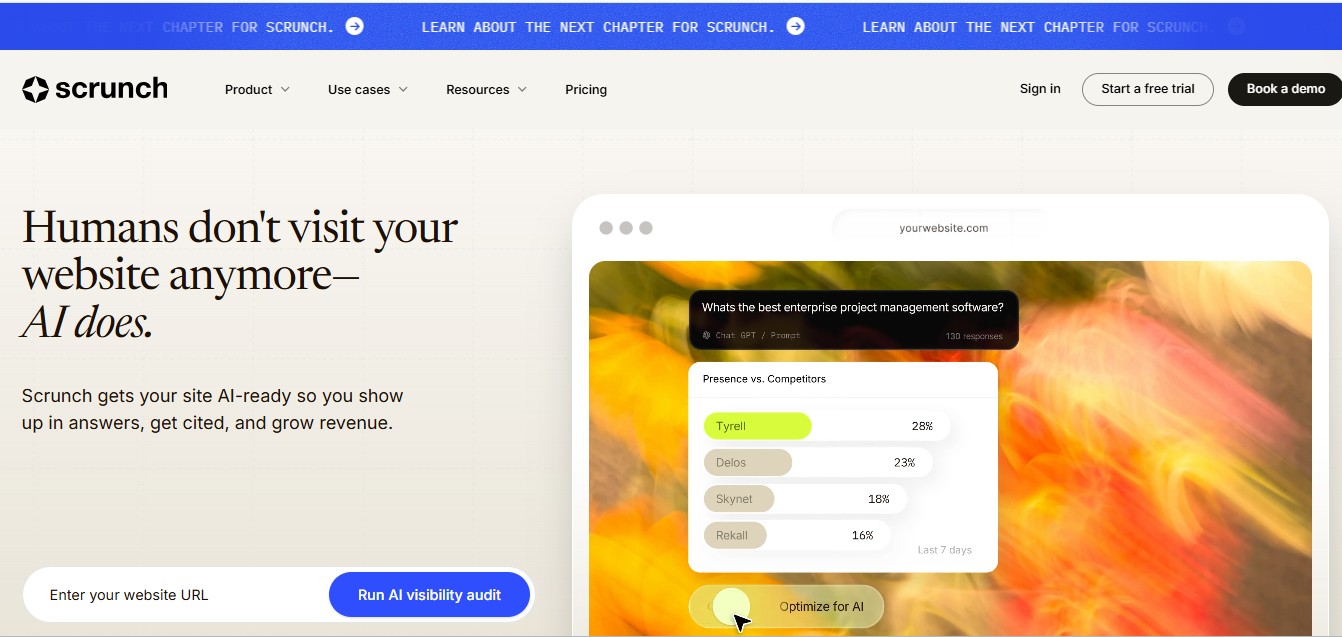
Scrunch helps teams study how AI answers change across countries, customer personas, topics, and platforms. Its citation reports can separate references to your brand, competitors, and third-party websites.
A multi-market business can use that structure to investigate more than whether it appeared. It can examine which pages were cited, which audience context produced the answer, and how the result differed by country.
For city-specific monitoring, Scrunch documents adding cities or regions directly to prompts. Its country-based geolocation settings and city-named prompts should be described separately.
Key Features
- Citation ownership filters: Separates brand, competitor, and third-party citations.
- URL-level monitoring: Tracks specific cited pages as well as domains.
- Country and persona segmentation: Filters results by country, persona, funnel stage, topic, and platform.
- Prompt Templates: Runs a prompt across configured personas, countries, languages, and platforms while showing the resulting variant volume.
- Page audits: Provides AI visibility audits, with allowances determined by the plan.
- Agent traffic monitoring: Adds website access activity to visibility and citation reporting.
Pricing
| Plan | Monthly billing | Annual billing equivalent | Custom prompts | Users |
| Starter | $300/month | $250/month | 350 | 3 |
| Growth | $500/month | $417/month | 700 | 5 |
| Enterprise | Custom | Custom | Custom | Custom |
Starter also includes 1,000 industry prompts, three personas, and five page audits. Growth includes 2,500 industry prompts, five personas, and ten page audits. A seven-day Starter trial is advertised without a credit card requirement.
Pros and Cons
| Pros | Cons and considerations |
| Detailed geographic, persona, and citation filters. | Entry pricing is better suited to an established marketing budget. |
| Prompt Templates simplify multi-market configurations. | More configurations create more prompt variants to account for. |
| Page audits and agent activity add context to monitoring. | Published geolocation documentation emphasizes countries; cities can be added to prompts. |
Scrunch is a useful choice when tools to track local AI visibility must also explain citation patterns across several markets or customer groups.
Otterly AI: Best for Local SEO + AI Visibility in One Dashboard
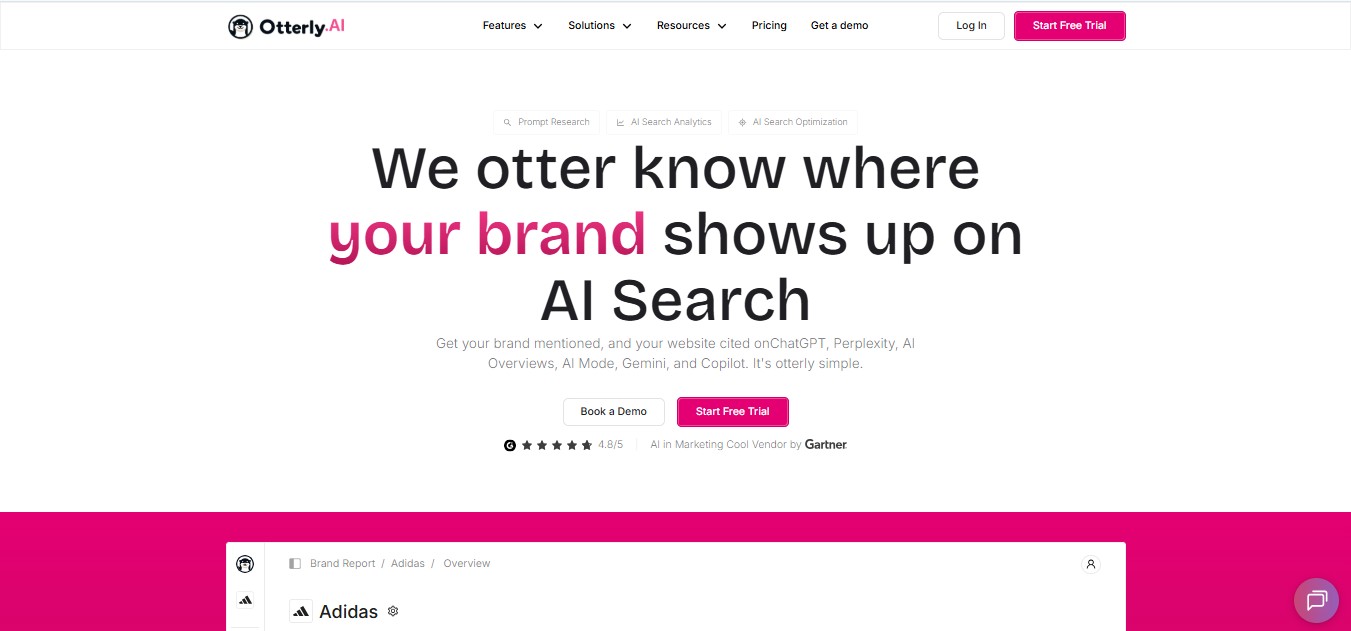
OtterlyAI combines AI answer monitoring, link citation analysis, prompt research, and GEO audits. Its entry plan makes daily monitoring available at a relatively low starting price.
The local SEO connection comes from tracking geographically relevant prompts and reviewing cited pages. However, its published pricing page does not establish that it replaces a complete Google Maps or listing management platform. Treat it as an AI visibility and audit dashboard within a local SEO workflow.
Key Features
- Daily tracking: Included from Lite upward.
- Four included engines: ChatGPT, Google AI Overviews, Perplexity, and Microsoft Copilot.
- Brand and citation metrics: Includes a Brand Visibility Index, domain ranking, and link citation analysis.
- GEO audits: Lite lists 1,000 URL audits per month; higher tiers expand the allowance.
- Multi-country support: The pricing page lists more than 50 countries.
- Agent Analytics: Standard and Premium include analysis of AI agent activity, with event limits.
- Agency options: Eligible partners receive additional prompts, client workspaces, and reporting benefits.
Pricing
| Plan | Monthly billing | Annual billing equivalent | Prompts |
| Lite | $29/month | $25/month | 15 |
| Standard | $189/month | $160/month | 100 |
| Premium | $489/month | $422/month | 400 |
| Enterprise | Custom | Custom | Starts from 1,000 |
Google AI Mode, Gemini, and Claude are paid add-ons. On monthly Lite, AI Mode and Gemini cost $9 each, while Claude costs $29. Add-on prices rise on larger plans.
That distinction matters when comparing tools to track local AI visibility. A $29 starting price does not cover the same engine selection on every platform.
Pros and Cons
| Pros | Cons and considerations |
| Affordable daily tracking with unlimited team members. | AI Mode, Gemini, and Claude cost extra. |
| Citation analysis and GEO audits are included. | Lite has one workspace and 15 tracked prompts. |
| Useful agency reporting and workspace options. | Confirm geographic controls if exact city-based collection is required. |
Semrush: Best All-in-One Platform with AI Visibility Add-Ons
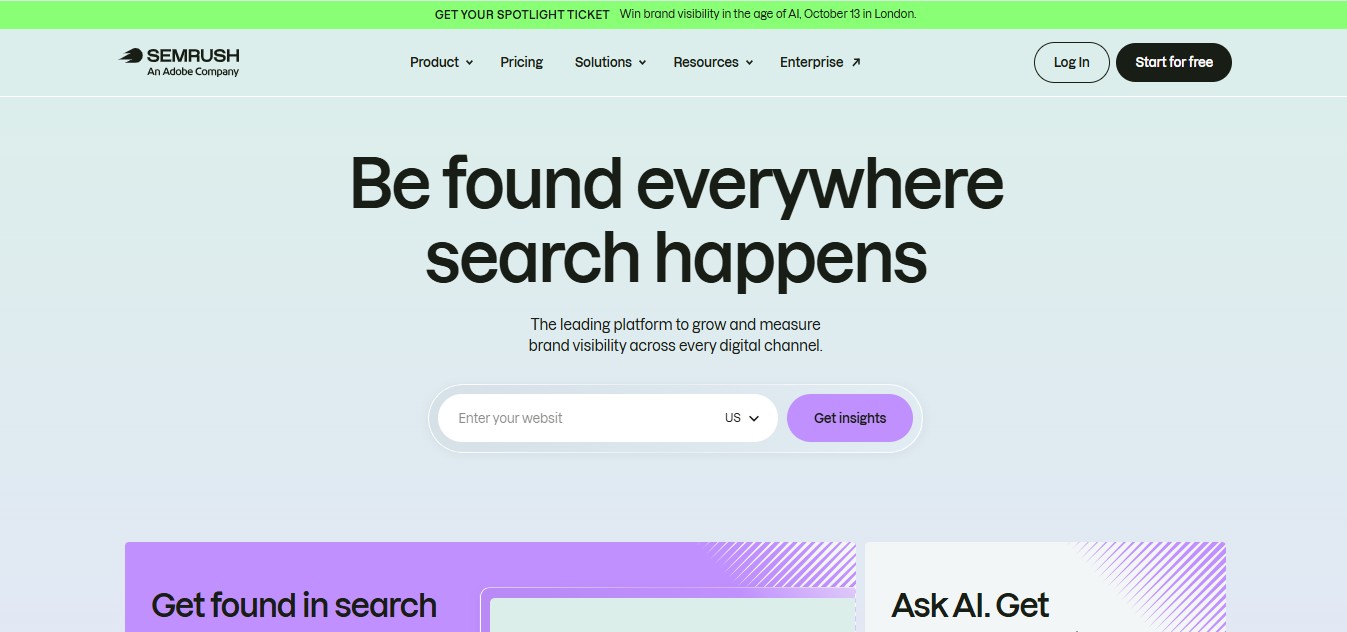
Semrush suits businesses that want to manage conventional SEO and AI search in the same platform. Its combined plans include keyword tracking, competitor tools, site auditing, and custom AI prompt monitoring.
Its geographic functionality is more specific than a general “global coverage” claim. Semrush documents location and language settings for Prompt Tracking, while Brand Performance supports geographic selections ranging from countries to cities. Coverage still differs between tools and reports.
Key Features
- Custom prompt monitoring: Tracks daily visibility for selected prompts, with documented location settings.
- Geographic Brand Performance: Supports location and language configurations, including city-level options.
- AI competitor research: Finds topics and prompts where brands appear in AI answers.
- Combined SEO reporting: Includes conventional position tracking, keyword research, competitor insights, and site audits.
- Multi-location SEO tracking: Pro+ lists multi-location and device tracking.
- Expandable prompt capacity: Additional 50-prompt packages are listed at $60/month.
Pricing
| Combined plan | Monthly billing | Annual billing equivalent | Daily AI prompts | SEO keywords |
| Starter | $199/month | $165.17/month | 50 | 500 |
| Pro+ | $299/month | $248.17/month | 100 | 1,500 |
| Advanced | $549/month | $455.67/month | 200 | 5,000 |
These are combined SEO and AI Search plans. Semrush also lists a standalone AI Visibility Toolkit at $99/month with 25 custom prompts; it should not be confused with the Starter bundle.
Pros and Cons
| Pros | Cons and considerations |
| Connects AI monitoring with a broad SEO toolkit. | Buying the full bundle may exceed a monitoring-only budget. |
| Documented geographic settings across AI features. | Geographic and engine coverage varies by feature. |
| Supports expansion through prompt and reporting options. | Additional users and reporting add-ons can increase the total cost. |
Semrush is particularly relevant when tools to track local AI visibility are one part of a broader SEO operation rather than the only service needed.
SE Ranking: Best Budget-Friendly AI Visibility Tracker
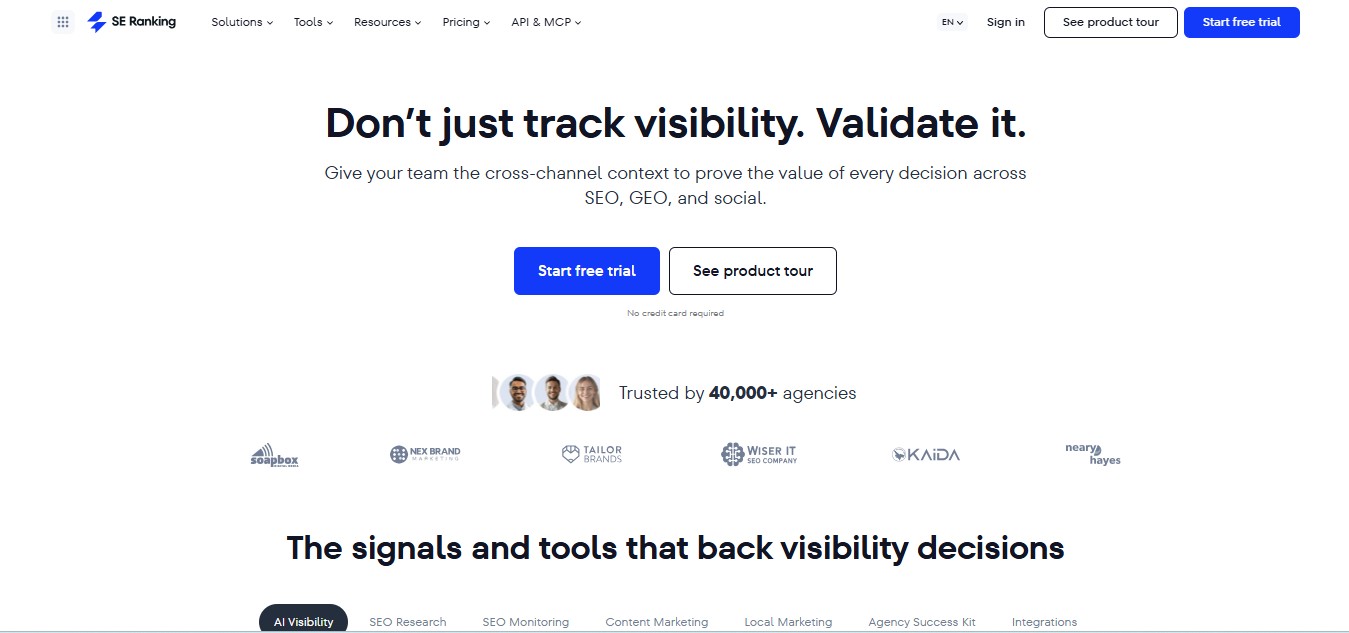
SE Ranking’s value comes from the amount of SEO, GEO, and local marketing capacity included in its published plans. Core combines daily AI prompt tracking with keyword monitoring, website auditing, competitor research, and local marketing features.
“Budget-friendly” here means value within an all-in-one subscription. It does not mean SE Ranking has the lowest entry price in this article. RadarKit and OtterlyAI both start at $29/month.
Key Features
- Included AI monitoring: Core lists 100 daily prompts across five LLMs.
- AI source tracking: Both Core and Growth list unlimited AI source tracking.
- GEO competitor research: Core includes five research domains; Growth includes fifteen.
- Local marketing: Plans list three locations, local and map rank tracking, directory management, and Google Business Profile posts.
- Technical SEO: Includes website and on-page auditing alongside keyword and backlink research.
- Reporting integrations: Lists Data Studio, Matomo, GA4, Google Search Console, API credits, and MCP access.
Pricing
| Plan | Monthly billing | Annual billing equivalent | Daily AI prompts | Projects |
| Core | $129/month | $103.20/month | 100 | 10 |
| Growth | $279/month | $223.20/month | 250 | 30 |
| Enterprise | Custom | Custom | Custom | Custom |
The page also lists an AI Search add-on from $89/month, or $71.20/month billed annually, showing a 200-prompt option. Confirm how the selected add-on changes your account’s total allowance before purchase. A 14-day trial is available with lower trial-specific limits.
Pros and Cons
| Pros | Cons and considerations |
| Combines SEO, GEO, and local marketing capacity. | It is a broader subscription than a monitoring-only product. |
| Core includes 100 daily AI prompts and ten projects. | Core includes one manager seat; extra seats cost more. |
| Local listings and map tracking support the wider local SEO workflow. | Map rankings and AI recommendations remain separate measurements. |
SE Ranking deserves consideration when tools to track local AI visibility need to sit beside listing management, technical audits, and conventional rankings.
Nightwatch: Best for Local Rank Tracking + Emerging AI Metrics
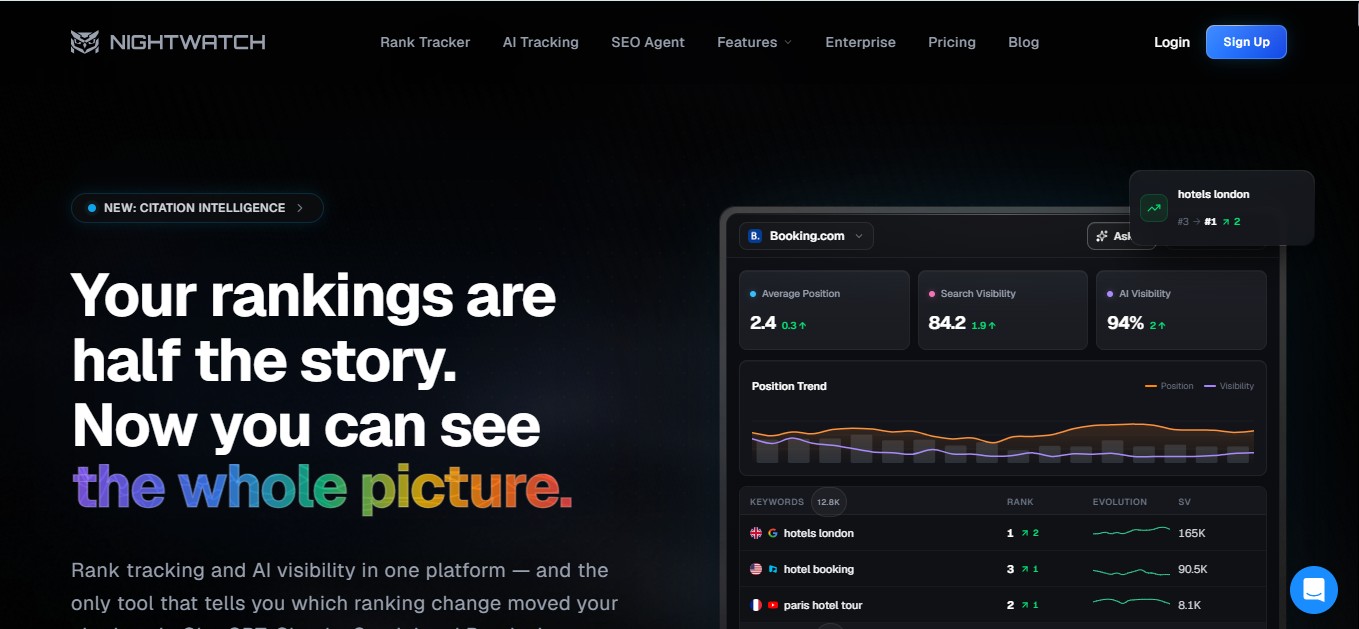
Nightwatch combines location-based rank tracking with AI prompts, citation analysis, and sentiment reporting. Its pricing page lists a Search Simulator and tracking coverage across more than 107,000 locations in over 190 countries.
That location coverage is valuable for local rank analysis. It should not be interpreted as proof that every AI platform uses the same geographic collection method.
One buying detail needs clarification: Nightwatch’s plan cards show different AI platforms by tier, while its comparison table lists all six AI platforms across plans. Confirm the engines included in your chosen subscription.
Key Features
- Location-based rankings: Daily keyword tracking across selected locations and languages.
- Search Simulator: Reviews results from a selected location or device.
- AI prompt monitoring: Published plans include daily prompt allowances.
- Citation and sentiment analysis: Listed in the AI visibility comparison table.
- Research tools: Includes keyword research, prompt research, and Content Studio.
- Reporting access: Professional lists Looker Studio, white-label reports, and API access.
Pricing
| Plan | Displayed annual billing equivalent | Annual total | Keywords | AI prompts |
| Starter | €79/month | €948 | 500 | 50 |
| Professional | €159/month | €1,908 | 2,500 | 150 |
| Agency | €399/month | €4,788 | 7,500 | 500 |
| Enterprise | Custom | Custom | 20,000+ | Custom |
The extracted prices are annual billing equivalents, not verified month-to-month rates. The page advertises a 14-day trial.
Pros and Cons
| Pros | Cons and considerations |
| Strong location-based rank tracking coverage. | AI engine coverage is inconsistent between plan cards and the comparison table. |
| Combines traditional rankings with AI analysis. | Confirm the distinction between local ranking settings and AI location settings. |
| Search Simulator and agency reports support client work. | Published prices retrieved here require annual billing. |
Ahrefs: Best for Competitor Research That Supports Local AI Strategy
Ahrefs combines its established SEO research tools with Brand Radar and custom AI prompt tracking. It is especially useful when a business wants to investigate competitors, cited content, backlinks, and search demand alongside AI appearances.
Its AI pricing separates broad database research from custom monitoring. Brand Radar AI researches brands across Ahrefs’ organic prompt database, while custom packages provide checks for prompts you choose.
Key Features
- Brand Radar research: The pricing page lists a database of more than 475 million organic prompts.
- Custom AI prompts: Tracks selected prompts, with usage measured by checks.
- Location-aware billing: One prompt checked on one platform in one location uses one check.
- Competitor investigation: Site Explorer, Keywords Explorer, and Competitive Analysis support broader research.
- Technical auditing: Site Audit helps examine website issues alongside visibility research.
- GBP monitoring: Google Business Profile Monitor is listed as a beta feature.
Pricing
| SEO plan | Monthly price | Included tracked AI prompts |
| Lite | $129 | 5 |
| Standard | $249 | 10 |
| Advanced | $449 | 20 |
| Enterprise | $1,499, annual commitment required | Higher published limits |
Brand Radar AI starts at $199/month and is available as a standalone product. Custom prompt packages are separately listed below.
| Custom package | Monthly price | Checks per month | Overage |
| Basic | $50 | 2,500 | $0.020/check |
| Growth | $100 | 7,000 | $0.015/check |
| Scale | $250 | 25,000 | $0.010/check |
Ask which package fits your existing account before combining prices. More platforms, locations, and refreshes consume more checks.
Pros and Cons
| Pros | Cons and considerations |
| Broad competitor and content research alongside AI monitoring. | Main SEO plans include relatively small AI prompt allowances. |
| Clear per-check definition for custom monitoring. | Multi-location, multi-platform tracking increases check usage. |
| Standalone Brand Radar option. | Broad database research and custom prompt monitoring have separate pricing structures. |
Ahrefs is a useful addition to tools to track local AI visibility when the main goal is understanding competitor content and citation opportunities.
How to Use These Tools to Improve Local AI Search Performance
A useful setup begins with a defined market and prompt set. Geographic prompts, platform filters, and source reports make the results easier to interpret than one mixed visibility score.
- Define the geographic question. Decide whether you need prompts mentioning a city, country-based collection, or explicit city-level controls. Check that the selected plan supports the required method.
- Build a focused prompt library. Include service discovery, comparisons, and purchase-related questions. Organize prompts around the customer’s decision process and geographic markets.
- Separate mentions from citations. Track whether your business was recommended and whether its website was cited. Scrunch captures brand mentions separately from citations, while RadarKit measures local recommendation appearances.
- Review competing businesses and pages. Compare local recommendation positions, then inspect the URLs that appear frequently in relevant answers. RadarKit and Scrunch provide different views of these patterns.
- Choose page improvements from the findings. Use citation gaps and page audits to decide which service or location pages deserve attention. Scrunch, OtterlyAI, and Peec provide audit or opportunity features for this work.
- Keep the monitoring conditions consistent. Maintain the same prompts, platforms, and geographic settings when comparing periods. This makes changes easier to interpret than repeatedly changing the test.
- Review business activity separately. Compare visibility trends with AI referrals and agent activity where available. These measurements add context, but crawler visits are not the same as customer inquiries.
For example, a clinic could group prompts into general dentistry, implants, and emergency care. If its business appears for general questions but its implant page rarely receives citations, that creates a specific investigation rather than a vague instruction to “improve AI visibility.”
Final Verdict: Best Tools to Track Local AI Visibility
RadarKit is the best overall choice in this comparison for businesses prioritizing local AI recommendations. Its dedicated Local Radar reports appearance rate, position, and recommended competitors, while its plans combine six listed AI platforms with reporting and analytics integrations.
The recommendation has a clear boundary. Lite starts at $29/month and refreshes every 72 hours; Growth starts at $79/month with daily tracking. Businesses requiring explicit state and city-level controls need an Enterprise quote.
Other platforms remain worthwhile for specific jobs. Peec AI suits daily share-of-voice reporting, Scrunch suits detailed citation segmentation, and Semrush or SE Ranking suit broader SEO operations. Ahrefs adds competitor research, while Nightwatch connects location-based rankings with AI monitoring.
The most useful tools to track local AI visibility are the ones that answer your actual geographic question at a price and reporting depth your business can support. For a local-first shortlist, RadarKit is the strongest place to begin evaluating that fit.
FAQs
What are the best tools to track local AI visibility?
The eight tools covered here are RadarKit, Peec AI, Scrunch, OtterlyAI, Semrush, SE Ranking, Nightwatch, and Ahrefs. RadarKit receives the overall recommendation for local business recommendation tracking, while the others serve distinct analytics and SEO needs.
Can RadarKit track AI visibility by city?
Yes, its pricing page lists state and city-level tracking on Enterprise. Local business tracking is listed across all plans, but that should not be confused with having Enterprise geographic controls on Lite, Growth, or Pro.
Are location-specific prompts the same as local IP tracking?
No. Adding “in Nagpur” to a prompt provides location context. Local IP tracking changes the collection context. RadarKit describes residential IP collection, while Peec and Scrunch also document location names within prompts. Check both the method and the subscription tier.
Which options have the lowest published entry price?
RadarKit Lite and OtterlyAI Lite both list $29/month. RadarKit includes six listed AI platforms with 72-hour Lite refreshes; OtterlyAI includes four engines with daily refreshes and charges separately for AI Mode, Gemini, and Claude.
Can these tools guarantee AI recommendations?
No guarantee is established by the reviewed product information. These platforms measure answers, citations, competitors, and related activity, and some offer audits or suggested actions. Treat them as measurement and improvement tools rather than a promise of placement.
Should local businesses track Google Maps and AI answers separately?
Yes. Google Maps positions and recommendations inside AI answers are different measurements. Platforms such as SE Ranking and Nightwatch offer both kinds of monitoring, but the reports answer different questions.
How many local prompts should a business monitor?
Start with the services and locations that matter most, then include different decision stages. A useful prompt library covers discovery, comparison, and purchase-related questions rather than many slight variations of one phrase. Your available prompt allowance and selected models determine how broadly you can monitor.
